NEW Amazon Brand Analyzer Tool for Wholesale and OA Sellers

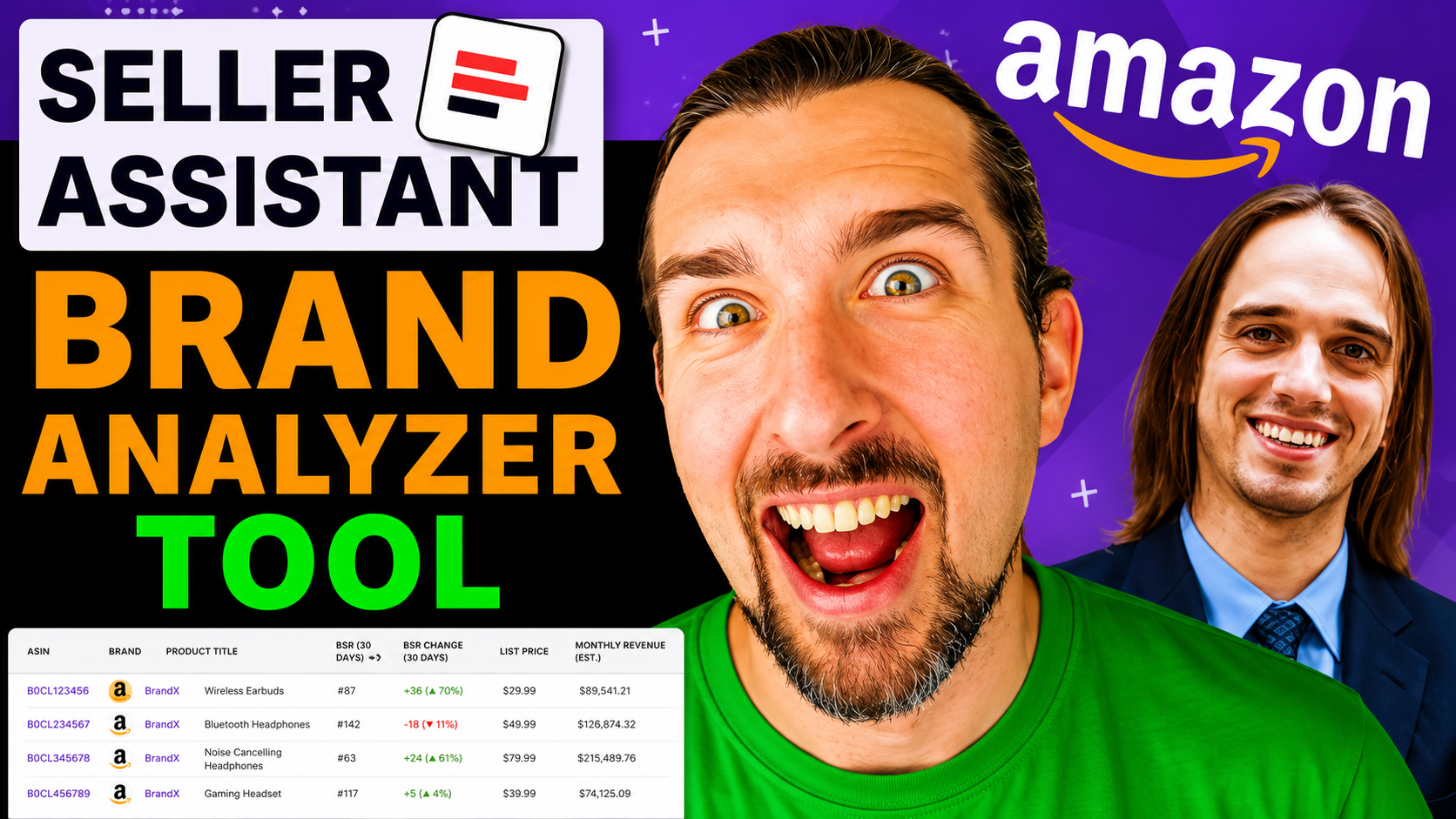
The Brand Analyzer tool by Seller Assistant helps you decide if a brand is worth selling on Amazon.
You enter a brand name, and it shows sales speed, competition, pricing, fees, and reviews.
It also gives a full product list.
This helps you avoid bad inventory and focus only on brands that can sell and make profit.
Get Free Trial and 10% Off on Seller Assistant App with Code VOVA10
-: Watch Quick Tutorial :-
Why this tool matters more than most sellers realize
Many new sellers focus on products first.
That approach often fails.
A single product might look profitable.
But the brand behind it may be weak or overcrowded.
In a discussion with Oleg Kuzmenkov, founder of Seller Assistant, he explained that sellers often face this problem.
They need a way to judge the whole brand before sourcing products.
Brand Analyzer solves this exact problem.
What you actually see when you analyze a brand
The tool gives you a full picture of how a brand performs on Amazon.
Instead of checking one product at a time, you see combined data across all products.
Brand velocity: How fast products sell
Brand velocity shows how quickly items from a brand are selling.
In simple terms, it answers: “Are people buying these products regularly?”
If velocity is low:
-
Products may sit in storage
-
Your cash stays locked
-
Sales become slow and unpredictable
High velocity means steady demand.
That is what you want.
Get Free Trial and 10% Off on Seller Assistant App with Code VOVA10
Amazon Buy Box rate: Is Amazon your competitor?
The Buy Box is the default “Add to Cart” seller on Amazon.
This metric shows how often Amazon itself controls that spot.
If Amazon is often in the Buy Box:
-
It becomes hard to compete
-
Prices may drop suddenly
-
Your profit margin shrinks
If Amazon is rarely present, the opportunity improves.
Seller count: How many people sell the same products
This shows the average number of sellers per product.
More sellers usually means:
-
More competition
-
Lower prices
-
Smaller profits per seller
Fewer sellers often means better control and higher margins.
Price, fees, and ratings: Can you actually make money?
The tool gives averages across the brand:
-
Selling price (what customers pay)
-
Amazon fees (what Amazon charges you)
-
Product ratings (customer satisfaction)
-
Total reviews (how established the products are)
This helps you quickly understand:
-
If profit is possible
-
If customers trust the brand
-
If the market is already crowded
Full product list: Your starting point for sourcing
You can download all products from the brand in one file.
This saves time because:
-
You do not search manually
-
You see all available products at once
-
You can sort and filter quickly
This list becomes your working sheet for product selection.
Get Free Trial and 10% Off on Seller Assistant App with Code VOVA10
How to use the Brand Analyzer step by step
Step 1: Enter the brand name
Type the brand name into the tool.
You do not need a product link or ASIN.
The tool will find the brand data automatically.
Step 2: Select your marketplace
Choose where you want to sell.
Supported marketplaces include:
-
United States
-
Canada
-
United Kingdom
-
Germany
-
France
Each market behaves differently.
Always check the one you plan to sell in.
Step 3: Read the data as a complete picture
Do not judge a brand using one metric.
Look at how the data works together.
For example:
-
High sales + low sellers = strong opportunity
-
High Amazon presence = higher risk
-
Strong ratings = trusted products
This combined view gives a more accurate decision.
Step 4: Download and review the product list
Once the brand looks promising, download the full list.
Then:
-
Sort products by price
-
Check competition levels
-
Look for consistent demand
This helps you pick specific products to source.
Quick note: Brand Analyzer is one of the newest features from Seller Assistant.
The video below walks through a full breakdown of these updates in detail.
Get Free Trial and 10% Off on Seller Assistant App with Code VOVA10
Where beginners usually make mistakes
Choosing brands based on familiarity
A brand you recognize is not always profitable.
Many popular brands are highly competitive.
Always rely on data, not personal preference.
Jumping into product research too early
Many sellers analyze products first.
This wastes time if the brand is weak.
Start with the brand.
Then move to products.
Ignoring Amazon as a seller
Amazon itself can compete with you.
If Amazon controls many listings, profits become unstable.
This is one of the biggest hidden risks.
What to do after you find a good brand
Once a brand passes your checks, the next step is sourcing.
This means:
-
Finding a supplier
-
Getting wholesale pricing
-
Comparing cost vs selling price
Most sellers get stuck here.
Finding reliable suppliers and matching them with profitable products takes time.
It is also easy to choose the wrong products, even within a good brand.
This is where tools like Sourcing AI by Seller Assistant can help.
It speeds up product discovery and helps you connect supplier pricing with real market data.
Get Free Trial and 10% Off on Seller Assistant App with Code VOVA10
Quick checklist before you choose any brand
Use this simple checklist:
-
Are products selling consistently (high velocity)?
-
Is Amazon rarely in the Buy Box?
-
Is competition manageable?
-
Do prices allow profit after fees?
-
Are ratings strong (around 4 stars or higher)?
-
Does the brand have multiple products to scale?
If most answers are yes, the brand is worth exploring.
Should you use this tool or do it manually?
Manual research is slow and incomplete.
You would need to:
-
Check many products one by one
-
Calculate averages yourself
-
Track competition manually
The Brand Analyzer does this instantly.
It is best for:
-
Wholesale sellers
-
Online arbitrage sellers
-
Anyone serious about scaling
For casual sellers, it may feel advanced.
Get Free Trial and 10% Off on Seller Assistant App with Code VOVA10
Final takeaway
The biggest shift is simple:
Stop chasing random products.
Start validating entire brands first.
This approach saves time, reduces risk, and improves consistency.
Most importantly, it helps you build a business that can scale.
P.S. - I recently published a guide explaining how Seller Assistant Seller Spy helps you track competitor storefronts, monitor product changes, and spot profitable opportunities earlier using real seller behavior, read here: Track & Outsmart Your Amazon Competitors With Seller Assistant Seller Spy - For Wholesale, Arbitrage