Brand Expand Free Account: Claim $100 Coupon Code Now

In this guide
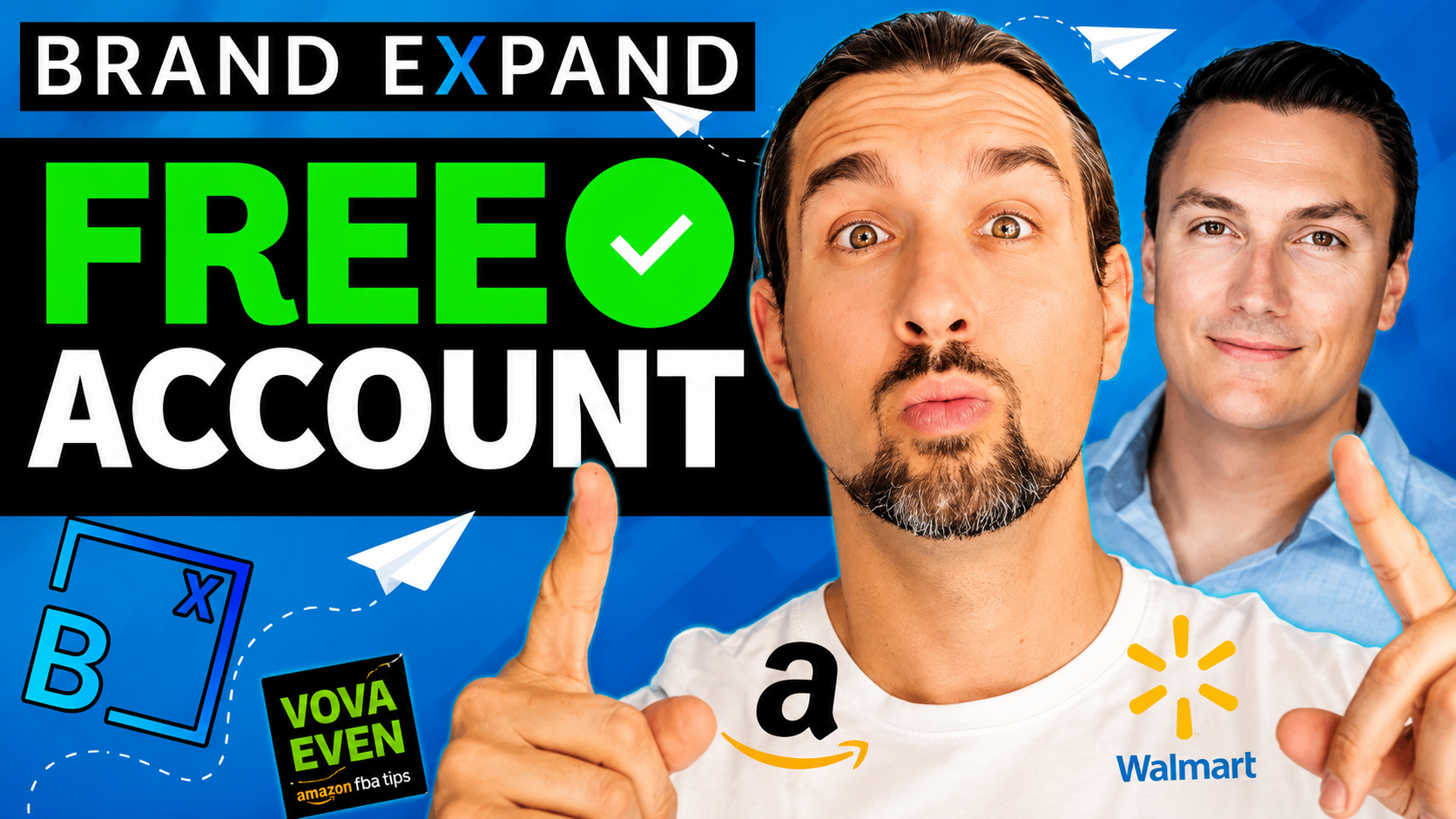
You can get a Brand Expand free account by signing up with the promo code VOVA to instantly receive a $100 credit in your platform wallet.
Get a Free Brand Expand Account + $100 Credit with Code VOVA
This allows you to test the software’s sales acceleration and ranking tools at zero cost, covering up to five full-price sales for a typical $20 product.
The process involves a simple registration, applying the code, and a quick account survey to unlock your funds.
-: Watch the Video Below :-
Key takeaways to get started
-
Use Code VOVA: Entering this during signup is the only way to trigger the $100 wallet credit.
-
No Upfront Cost: The credit covers actual campaign spend, effectively giving you free sales and data.
-
Smart Pricing Selection: Choosing between "Fixed" or "Variable" pricing during setup ensures you don't overpay for the service based on your product's price.
-
Flexible Scaling: You can use the credit for a small test batch or put it toward a larger launch immediately.
How to claim your $100 Brand Expand credit
Getting the free Brand Expand credit is a straightforward process that happens during the initial account creation.
You don't have to jump through hoops; you just need to make sure the right code is in the right box before you finish.
To start, head to the Brand Expand signup page and enter your basic details.
When you reach the field for a promo code, enter VOVA and click apply.
Once you finish the registration and log in for the first time, you’ll see the $100 sitting in your internal wallet, ready to be used for your first campaign.
Finishing the account setup
Before you can launch a campaign, the platform will ask you to complete a brief survey.
This isn't just busywork; it helps the team understand your brand's specific needs so they can offer better support as you scale.
After the survey, you’ll have full access to the dashboard.
You can see your balance right away, which acts like "house money" to help you understand how the tech drives sales and improves your Amazon or Walmart rankings without risking your own capital.
-: Gentle Reminder :-
Get a Free Brand Expand Account + $100 Credit with Code VOVA
Choosing the right pricing model for your products
One of the most important steps during signup is picking how you’ll be charged for successful sales.
Brand Expand offers both "Fixed" and "Variable" pricing, and picking the wrong one could eat into your margins unnecessarily.
The rule of thumb is based on your average product price:
-
Choose Fixed Pricing: If your product usually sells for more than $30.
-
Choose Variable Pricing: If your product usually sells for less than $30.
Selecting the model that fits your price point ensures the $100 credit goes as far as possible.
For example, if you have a $20 product and use the variable option, you could potentially get five full sales completely covered by the promo credit.
Launching your first "Free" campaign
Once your wallet is funded, you can start a launch regardless of your inventory size or product cost.
The platform doesn't lock you into a specific "test" mode; you have the same control as a high-volume power user.
If you’re nervous about starting big, you can do a small "micro-launch."
If you have a $20 item and are willing to run a 100% ACOS (Advertising Cost of Sales) test to see how the system moves your organic rank, those first few sales are essentially free.
The goal is to see the value in the technology first-hand, so you can decide if it’s a tool you want to use for your long-term growth.
-: Gentle Reminder :-
Get a Free Brand Expand Account + $100 Credit with Code VOVA
Common questions about the $100 offer
Is there a catch to the $100 credit?
No, it’s designed as a trial to show you how the sales acceleration works.
The credit is real money within the platform that pays for the service fees associated with generating sales and feedback.
Can I use this for any product category?
Yes.
Whether you are selling small accessories or larger, more expensive goods, the credit applies to your account balance and can be used for any campaign you launch.
What happens after I spend the $100?
Once the credit is used, you can choose to fund your wallet further to keep the momentum going.
There’s no obligation to continue, but most sellers find that the organic ranking juice gained from those first sales makes it worth sticking around.
P.S. – If you’re planning to expand beyond just Amazon, this breakdown of Brand Expand’s omnichannel ecommerce marketing system explains how brands drive traffic across Walmart, Shopify, Home Depot, and more from one platform.