Do You Need an Amazon Seller Account for Jungle Scout?

In this guide
The quick answer
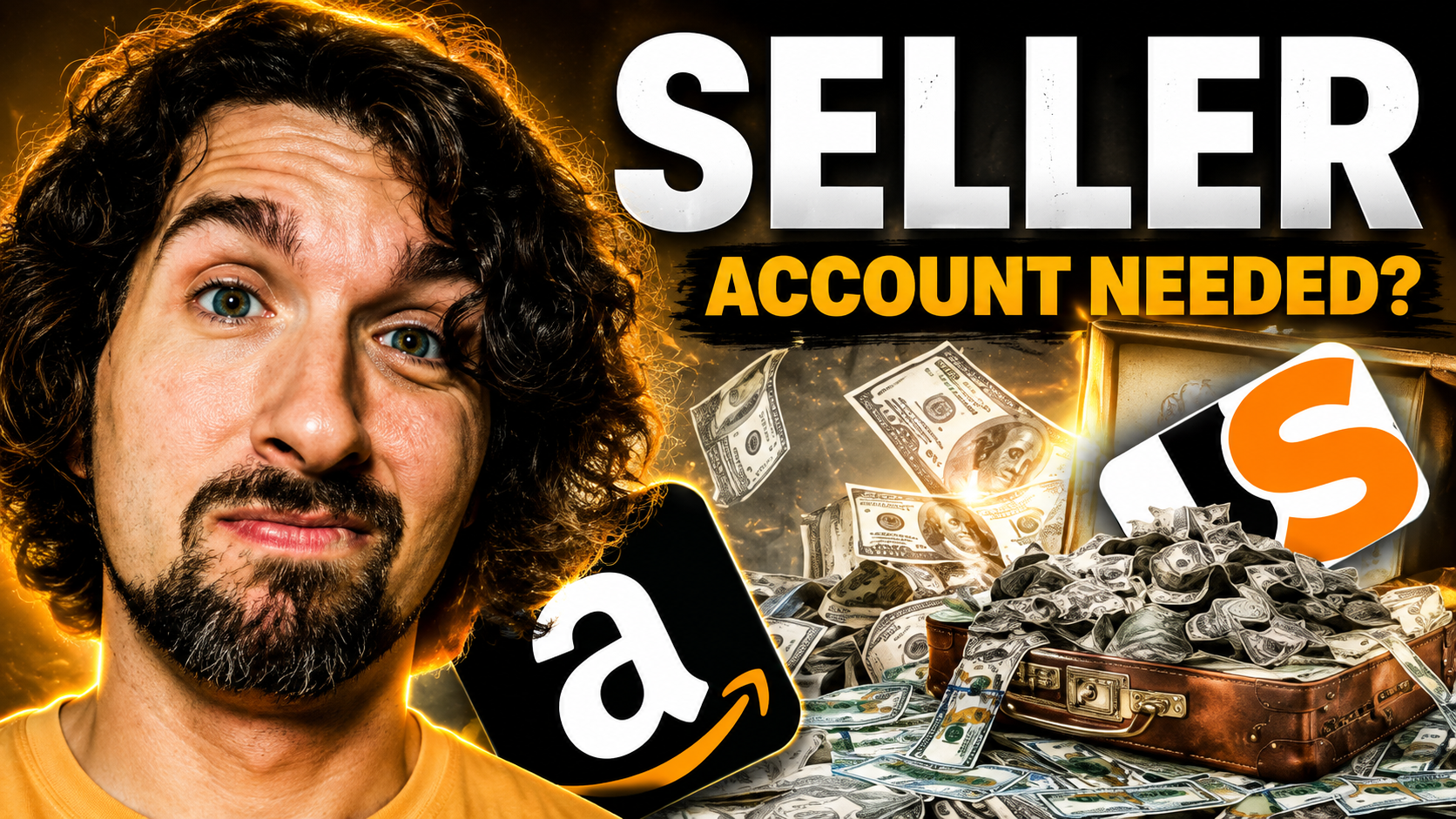
Do you need an Amazon seller account to use Jungle Scout?
No. You can use Jungle Scout for product and keyword research without connecting an Amazon Seller Central account. This is especially useful when you are still exploring Amazon FBA, comparing niches, or trying to find your first product. Connecting Seller Central becomes important when you want account-specific features such as sales and profit analytics, inventory information, review automation, and other tools that use your own store data.
If you are at the very beginning of your Amazon journey, not having a seller account should not stop your research. Jungle Scout was built to help sellers investigate products and markets before they commit money to inventory, and several of its research tools work independently of your own Seller Central data.
That said, there is a difference between using Jungle Scout and getting the most from every seller feature. You can start without Amazon Seller Central, but once you are actively selling, connecting the account gives Jungle Scout access to the business information needed for more personalized reporting and automation.
I would think about Jungle Scout in two stages: research first, connected seller management second. That simple distinction makes it much easier to understand what you can do before launch and what becomes useful after your store is operating.
Affiliate disclosure
Some links in this guide are affiliate links. If you purchase through them, I may earn a commission at no extra cost to you. Read the full disclosure.
Jungle Scout special deals
Explore the current Jungle Scout offers before choosing a plan
If you decide Jungle Scout fits your research workflow, use the offer page below to compare the available deals. Check the plan, billing period, included tools, and final price before paying.
View Jungle Scout special deals ↗Free learning resource
150+ Jungle Scout tutorials on YouTube
The original video mentions a smaller library, but the Jungle Scout tutorial collection has grown. Use the playlist to learn individual tools as you need them instead of trying to master the whole platform at once.
Open the Jungle Scout tutorial playlist ↗What can you use in Jungle Scout without Seller Central?
Jungle Scout's current help documentation says you do not need to connect Seller Central, or even an Amazon account, to use the Extension and other product and keyword research tools. That makes the platform useful before you have a product, a listing, or a seller account of your own.
For example, Opportunity Finder can help you explore niches using demand, competition, search volume, seasonality, and other filters. You are studying Amazon market data rather than your own store data, so there is nothing from Seller Central that Jungle Scout needs to import first.
The same principle applies to product research with the Product Database, competitor validation with the browser Extension, and keyword discovery with research tools such as Keyword Scout. These workflows help answer questions like: What are customers searching for? How crowded is the niche? Which listings appear strong? Does the opportunity deserve deeper research?
Jungle Scout's Extension guidance is especially clear: the Seller Central connection is not required for the Extension or other product and keyword research tools. You do need to run the Extension on a supported Amazon product page, search results page, or seller storefront so it has product data to analyze.
Practical takeaway: if you are still deciding what to sell, you can start researching now. You do not need to delay product discovery simply because Amazon has not approved a Seller Central account yet.
What changes when you connect your Amazon seller account?
Connecting Seller Central changes Jungle Scout from a research platform into a more personalized operating dashboard. Once Jungle Scout can access your seller data, it can show information tied to your own products, orders, profitability, advertising, inventory, and review workflows.
Jungle Scout's Seller Central connection guide says the connection unlocks additional seller features, including analytics and performance tools, product management, and Review Automation. The newer Catalyst platform documentation also describes sales and profitability analytics as features that integrate with Amazon Seller Central accounts.
| Your goal | Seller Central connection needed? | Examples |
|---|---|---|
| Research a product idea | No | Opportunity Finder, Product Database, Extension |
| Research Amazon keywords | No | Keyword and competitor research |
| Track your own sales and profit | Yes | Sales and profitability analytics |
| Automate review requests | Yes | Review Automation using your order data |
| Monitor your store operations | Usually yes for account-specific data | Inventory and personalized dashboard metrics |
This is why I recommend connecting Seller Central once you have an active store and want Jungle Scout to help manage it. The connection is not what makes product research possible; it is what allows Jungle Scout to work with your private business data.
You may also see Jungle Scout's web platform referred to as Catalyst in newer documentation. The name does not change the basic decision. Catalyst includes research and optimization capabilities that use Jungle Scout's Amazon data, while seller-performance features become more useful when your own Seller Central account is authenticated.
If you later disconnect Jungle Scout from Seller Central, research access does not suddenly become meaningless, but features that depend on your private account data lose the information they need. Jungle Scout notes that revoking access removes order or product information from account-specific reporting and stops automated review requests. That is another useful way to remember the difference: market research studies Amazon data; connected seller tools study and act on your store data.
A practical Jungle Scout workflow before you have a seller account
If you are still deciding whether Amazon FBA is right for you, keep the first research cycle simple. Your goal is not to find a magical product in one afternoon. It is to narrow the market until you have a few ideas worth checking against costs, suppliers, competition, and customer needs.
- Choose the Amazon marketplace you plan to study. Research should match the store where you expect to sell because demand and competition vary by marketplace.
- Use Opportunity Finder or Product Database to build a shortlist. Start with filters that fit your budget, category knowledge, product size, and realistic selling price.
- Validate the shortlist with the Extension. Open Amazon search results and compare several relevant listings rather than relying on a single bestseller.
- Research the keywords and customer language. Check how shoppers describe the product and whether your idea genuinely matches their search intent.
- Estimate the business, not just the demand. Add supplier quotes, shipping, Amazon fees, advertising assumptions, and a buffer for unexpected costs before ordering inventory.
- Create Seller Central when you are ready to move toward selling. Once your Professional seller account is active and verified, connect it to Jungle Scout when you need seller-specific features.
This workflow lets you learn Jungle Scout while you are still validating the business. It also keeps you from confusing estimated market data with the numbers from your own future store.
For a broader beginner walkthrough, my Jungle Scout beginner guide explains how to learn the platform without trying to absorb every feature at once.
When should you connect Seller Central to Jungle Scout?
Connect the account when Jungle Scout needs your own sales, product, advertising, inventory, or order information to complete the task. If you are only researching products and keywords, the connection can wait. If you are reviewing your store's performance or automating actions based on orders, the connection becomes much more useful.
Jungle Scout currently states that Seller Central syncing requires a Professional seller account. Individual seller accounts cannot be connected at this time. Your Seller Central account also needs to be fully set up and verified before the authorization can complete.
Still researching?
Keep using the research tools. No Seller Central connection is required for the core product and keyword research workflow.
Already selling?
Connect your Professional Seller Central account when you want account-level analytics, inventory data, automation, and operational reporting.
The setup itself is an authorization flow. In Jungle Scout, open the Amazon account connection area, choose your region and marketplace, authenticate through Seller Central, and approve Jungle Scout's access. Initial data syncing can take time depending on the size of the account.
Common mistakes when using Jungle Scout before launch
The biggest mistake is treating research estimates as a promise. Jungle Scout can help you investigate demand and competition, but estimated sales do not guarantee your future listing will produce the same result. Your product quality, pricing, images, reviews, advertising, availability, and competition all affect performance.
Another mistake is researching a marketplace you do not plan to sell in. Use the marketplace selector consistently and check Jungle Scout's supported-marketplace information for the specific feature you need. The Extension, for example, supports a defined list of Amazon stores rather than every marketplace in exactly the same way.
Finally, do not buy a larger plan simply because you assume connecting Seller Central is mandatory. Start with the business question. If the task is product discovery, use the research tools. If the task is understanding your own store, then connect Seller Central and use the account-specific features.
If you want a deeper look at the Extension workflow, continue with my Jungle Scout Extension guide.
Ready to explore Jungle Scout?
Research first, connect Seller Central when the workflow needs your store data
You can begin product and keyword research before opening a seller account. If you later subscribe and start selling, connect your Professional Seller Central account to unlock the seller-specific features that rely on your own business data.
Check current Jungle Scout deals ↗Jungle Scout and Amazon seller account FAQs
Can I use Jungle Scout before I start selling on Amazon?
Yes. Product and keyword research are useful before launch because they help you evaluate ideas, competitors, demand, and search behavior before you commit to inventory.
Do I need to connect Amazon to use the Jungle Scout Extension?
No. Jungle Scout says the Extension and other product and keyword research tools do not require a Seller Central connection. Run the Extension on a supported Amazon product, search results, or seller storefront page.
Which Jungle Scout features need Seller Central?
Features that rely on your own orders, products, sales, profit, inventory, advertising, or review-request data generally need an authenticated seller connection. Research tools that analyze Amazon market data can be used without it.
Can an Amazon Individual seller account connect to Jungle Scout?
Jungle Scout's current connection guidance says the Seller Central account must be Professional. Individual accounts cannot currently be synced to Jungle Scout.
Should I create Seller Central before researching a product?
You do not need Seller Central to begin Jungle Scout research. If you become serious about launching, create your seller account early enough to complete Amazon's verification and prepare the operational side of the business while you continue validating the product.
Start researching before you have everything set up
The main answer is simple: you do not need an Amazon seller account to start using Jungle Scout. Product research, keyword research, and the Extension can help you learn the market before you have a store of your own.
Once you are actively selling, connecting Seller Central gives Jungle Scout the data needed for personalized analytics, inventory and performance information, and automation. Use the connection when it solves a real operational need rather than treating it as a prerequisite for getting started.
Choose one product idea, complete a focused research session, and write down what you still need to verify. Compare the data with the actual Amazon listings, your supplier quotes, and your realistic budget before moving forward. That is a much better first step than waiting until every account, tool, and business detail is perfect.
Vova :)