Is Sellerboard Legit & Safe? Honest Review & Answer
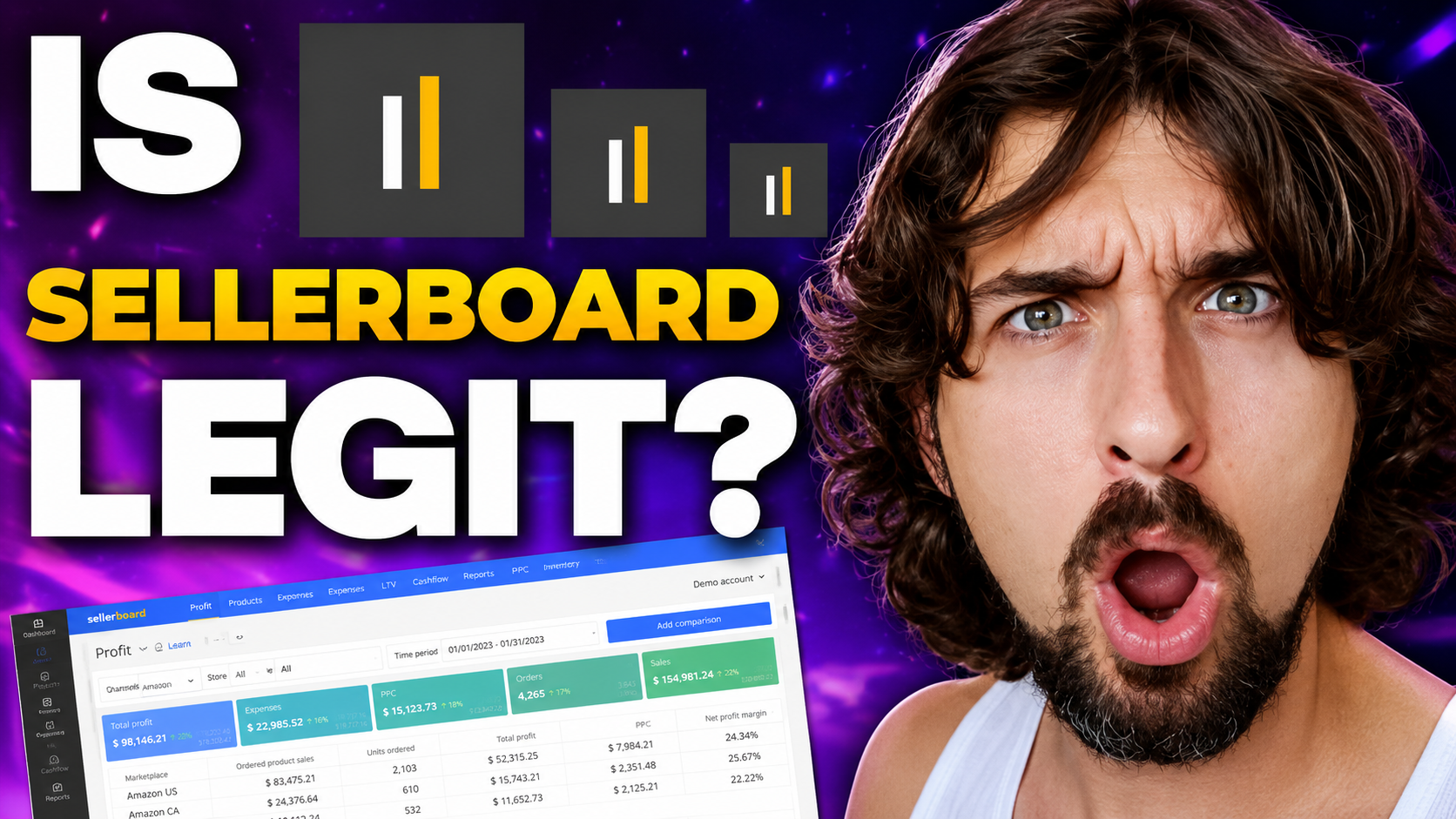
Yes, Sellerboard is legit and safe to use.
I have used Sellerboard in my own Amazon business for many years, and it has been a reliable resource of profit tracking and inventory management for me.
If you are considering connecting it to your Amazon Seller Central account, this guide will help you understand why it is a trusted tool and how it works.
Keep reading to see how Sellerboard verifies its legitimacy, what features it offers, how it compares to other tools, and why many sellers choose it for profit analytics.
Select your marketplace below to get started today with a great offer.
Sellerboard 2 Months Free Trial for Amazon
Sellerboard 2 Months Free Trial for Shopify
Sellerboard 2 Months Free Trial for Walmart
Why Sellerboard Is Legit
Sellerboard is listed in Amazon’s Selling Partner App Store.
That’s a big deal because it means Amazon itself recognizes the tool and allows it to connect in a safe & approved way.
You can even look it up in the store without logging in.
Other well-known tools like Helium 10 and Jungle Scout are also listed there.
I know a lot of sellers feel hesitant when it comes to connecting any third-party software to their Amazon account.
That concern is completely valid.
But in this case, there’s really nothing to stress about.
Sellerboard connects through Amazon’s official API, means the connection is secure, approved, and designed to work smoothly with your account.
I’ve personally had it connected to my own account for years now, and it’s been smooth the entire time.
What Sellerboard Is Mainly Used For
In my business, I mostly use Sellerboard for two core functions: profit analytics and inventory management.
Profit analytics helps you understand your financial status across different timeframes.
Thus, instead of guessing how much you are earning after Amazon fees, PPC costs, and other expenses, you get a clear breakdown inside one dashboard.
Inventory management helps you plan your stock levels.
You can see how much inventory you have and make better decisions about reordering.
This reduces the risk of running out of stock or over-ordering.
Beyond these two main features, Sellerboard also offers:
-
Automatic review requests, which allow you to request reviews from buyers in a more automated way.
-
PPC optimization tools to help manage advertising performance.
-
Listing change alerts so you know if something changes on your product listings.
-
Refund management for lost inventory, which helps you identify cases where Amazon may owe you money.
These additional features make it more than just a profit tracker.
It becomes a full operational support tool for many sellers.
If you want a broader breakdown of what Sellerboard actually does across day-to-day operations, read this next: What Does Sellerboard Do? How Amazon Sellers Use It
Tutorials for Amazon and Shopify Sellers
If you sell on Amazon, I've prepared a full tutorial with Jenny Adams from Sellerboard.
It runs for about one and a half hours and walks through how to use all major parts of the software and how it can support your business.
Watch here:
Or read: How to Use Sellerboard - Detailed Tutorial & Review
If you sell on Shopify, there's a separate tutorial with Alex Speian focused on using Sellerboard for Shopify stores.
Watch here:
Or read: Learn How To Use Sellerboard For Shopify: A Full Tutorial
There are plans to support Walmart sellers as well.
Watch the tutorial here:
Comparing Sellerboard to Helium 10 and Jungle Scout
Helium 10 and Jungle Scout are often mentioned when discussing profit analytics and inventory management.
You may be wondering whether one of those tools would be a better option.
The answer is that you can certainly use them.
Both Helium 10 and Jungle Scout provide profit tracking and inventory management features, and they are widely used by Amazon sellers.
In many cases, the choice simply depends on which platform fits your workflow and preferences best.
In my case, I have been using Sellerboard for profit analytics for many years, and it has been comfortable and reliable.
If you are already using another tool and prefer its system, you can continue using it.
As I said, the choice often comes down to personal preference and workflow.
If you want a direct side-by-side comparison, I’ve also broken Sellerboard down against both tools here:
Pricing and Plans
Another reason many sellers choose Sellerboard is its pricing structure.
Compared to other Amazon software tools, it is positioned as a budget-friendly option while still offering full profit analytics and inventory management features.
The standard plan starts at $19 per month.
If you prefer to pay monthly, that would total about $240 per year.
However, if you choose the annual plan, the cost drops to $179 per year.
That brings the savings to roughly 20 percent compared to paying month to month.
For sellers who already know they plan to use the tool long term, the annual option can make more financial sense.
As your business grows and your order volume increases, you may need to move to a higher-tier plan.
For example, if you process up to 6,000 orders per month, the Professional plan would be more suitable.
The pricing continues to scale based on order volume.
Even at higher levels, such as up to 50,000 orders per month, the monthly cost remains competitive when compared to many other tools in the market.
This balance between features and price is one of the main reasons Sellerboard appeals to both new and experienced sellers.
If pricing is your main concern, I also broke it down separately here: Sellerboard Monthly Subscription: Plans, Cost, Fee, and Pricing
In addition, I've got an extended two-month free trial available instead of the standard one-month trial.
Pick your marketplace below and start using it today.
Sellerboard 2 Months Free Trial for Amazon
Sellerboard 2 Months Free Trial for Shopify
Sellerboard 2 Months Free Trial for Walmart
Using the Demo Account
Before connecting your live Amazon Seller Central account, you can also explore Sellerboard through its demo account.
This gives you a clear idea of how the platform works without using your real business data.
On the Sellerboard website, you can access a demo version of the software.
The demo account runs on sample data, so all numbers and transactions shown are for demonstration purposes only.
This allows you to move freely through the dashboard and test different sections without affecting your own account.
As you explore, focus first on the Profit and Inventory sections.
In the Profit area, you can review how profits are displayed across different time periods.
This helps you understand how the system calculates and organizes financial data.
In the Inventory section, you can see how stock levels are tracked and how the platform helps with planning future orders.
This gives you a practical view of how inventory management works inside the tool.
The layout is straightforward and designed to be easy to navigate.
Still, to fully understand what each metric means and how to use the features correctly, it is helpful to go through a complete tutorial.
Doing so will make the dashboard much clearer and help you use the tool with confidence.
Final Answer: Is Sellerboard Legit and Safe?
Yes, Sellerboard is legit.
It is listed in Amazon’s Selling Partner App Store, requires official API connection through Seller Central, and has been used in real Amazon businesses for years.
It is also fairly priced, with plans starting at $19 per month and discounted annual pricing available.
If you are unsure, start with the demo account to see how it works.
Then, use the extended free trial to test it with your own store before committing.
Sellerboard 2 Months Free Trial for Amazon
Sellerboard 2 Months Free Trial for Shopify
Sellerboard 2 Months Free Trial for Walmart
For sellers who want clear profit data and structured inventory planning without paying high monthly fees, Sellerboard is a legitimate and safe option to consider.
P.S. - I recently published a guide based on insights from an Amazon lawyer explaining why sellers get into trouble and how to avoid it, read here: Lawyer Uncovers Why Amazon Sellers Get in Trouble