Negative Keyword Targeting for Amazon PPC Success

In this guide
Negative keyword targeting in Amazon PPC helps you stop your ads from showing for search terms that do not make sense for your product.
That sounds simple, but it is one of the easiest places to either save money or accidentally block traffic that could have turned into sales.
The goal is not to add as many negatives as possible. The goal is to remove the searches that clearly waste budget while keeping enough room for Amazon to discover new converting search terms.
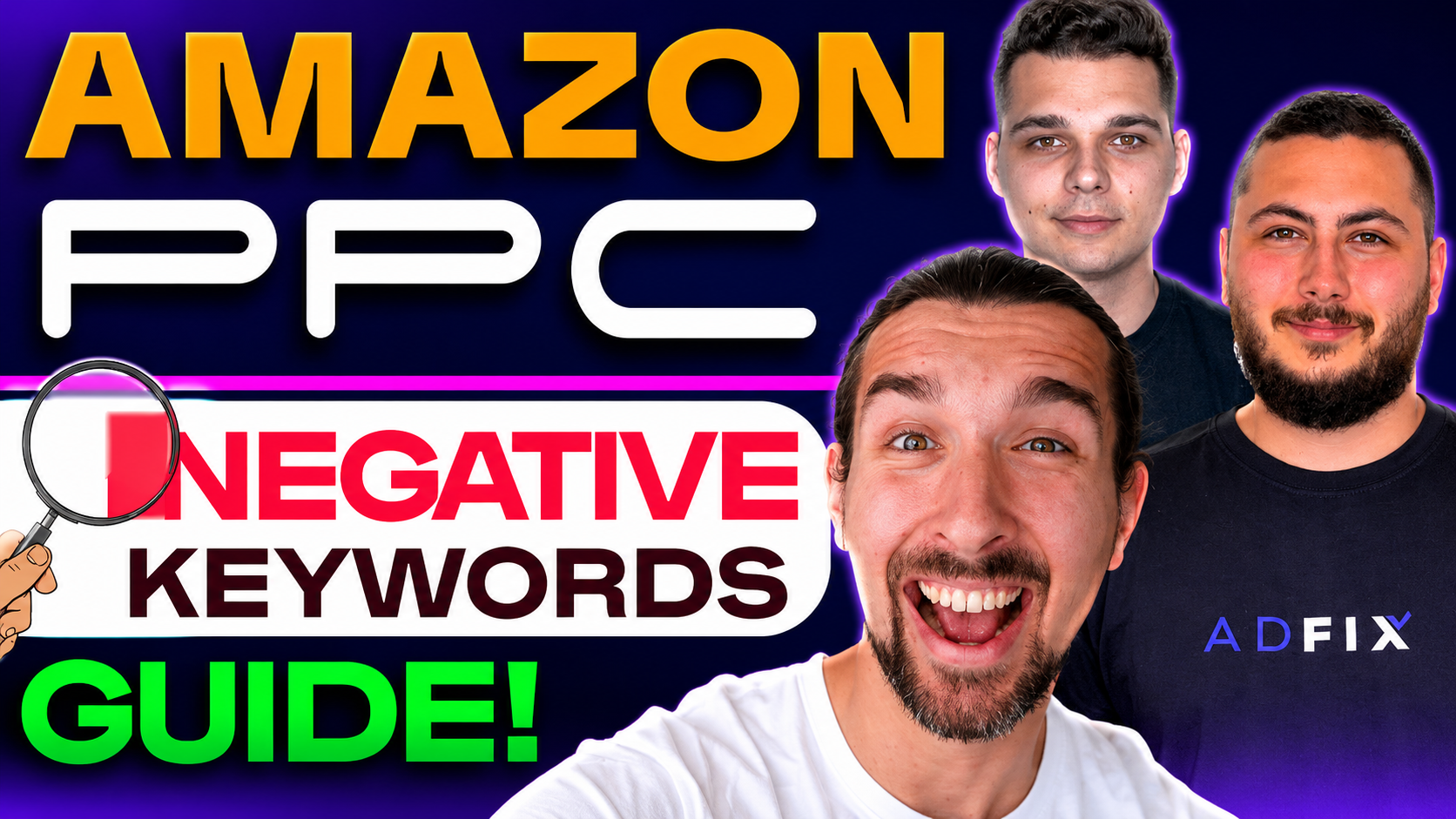
In this guide, I will break down the negative keyword strategy I discussed with Kris and Adrian from AdFixer with a 14 day free trial and 20% recurring discount. We will cover what negative keywords do, how keywords differ from search terms, when to use negative exact, when to be careful with negative phrase, and how to avoid campaign clashes.
I have been selling on Amazon since 2016, and from my experience, PPC usually becomes easier when you stop thinking only about “more traffic” and start thinking about “better traffic.”
Get AdFixer 14 Day Free Trial + 20% OFF
Try AdFixer free for 14 days and claim a 20% recurring discount through the special Vova Even offer below.
Claim AdFixer Free Trial + Discount
Negative Keywords in Amazon PPC
A negative keyword tells Amazon when not to show your ad.
That is useful because Amazon PPC campaigns often discover search terms you did not manually target. Some of those searches are great. Some are close but not quite right. Others are completely wrong for your product.
If you sell a one-liter stainless steel bottle, you may not want to pay for clicks from shoppers searching for a tiny kids bottle, disposable bottle, replacement cap, or plastic bottle, depending on your product and offer.
That is where negative keywords help.
They filter out traffic that is unlikely to buy, so your budget has a better chance of reaching shoppers who are actually looking for what you sell.
Amazon also explains that advertisers can use search term reports to find customer searches and create negative keyword or product targets for searches that do not meet their goals. You can review the official Amazon Ads search term report guide for Sponsored Products for the platform-level explanation.
Related read: The Complete Amazon PPC Glossary for Beginners
Keywords vs Search Terms
Before you add negatives, you need to understand the difference between a keyword and a search term.
A keyword is what you choose inside your campaign. A search term is what the shopper actually types into Amazon.
That gap is where both opportunity and waste happen.
For example, you may target the keyword “water bottle” using broad or phrase match. Amazon may then show your ad for searches like “blue water bottle for school,” “insulated water bottle with straw,” or “small 500ml water bottle.” Some of those may be useful. Some may not fit your product at all.
So the negative keyword decision should usually come from the search term report, not from guesswork alone.
| Term Type
|
What It Means
|
How You Use It
| | --- | --- | --- | |
Keyword
|
The word or phrase you target in your campaign.
|
Use it to tell Amazon what kind of searches you want to reach.
| |
Search Term
|
The actual phrase a shopper typed before seeing or clicking your ad.
|
Use it to decide what to scale, isolate, reduce, or block.
| |
Negative Keyword
|
A term you use to stop your ad from showing for unwanted searches.
|
Use it to protect your ad budget from poor-fit traffic.
|
Related read: Broad vs Phrase Match in Amazon PPC Ads Optimization
When Negative Keywords Are Used
Negative keywords are most useful after your campaigns have collected enough search term data to show what is helping and what is wasting money.
That is because PPC discovery campaigns are supposed to explore. If you cut too early, you may stop Amazon from finding search terms that you never would have guessed but that actually convert well.
But once the data is clear, you should not keep paying for the same poor-fit searches again and again.
A search term can become a negative when it is clearly irrelevant, when it has enough clicks with no sales, when it attracts the wrong shopper, or when it belongs in a different campaign structure.
| Search Term Signal
|
What It Usually Means
|
Possible Action
| | --- | --- | --- | |
Clearly irrelevant
search
|
The shopper is looking for a different product.
|
Add a negative keyword, usually negative exact first.
| |
Many clicks,
no sales
|
The term may not match the offer or intent.
|
Review relevance, price, listing quality, then decide.
| |
Good sales,
acceptable ACoS
|
The term may deserve more control.
|
Move it into exact match and manage it separately.
| |
Relevant but
expensive
|
The term may need bid control, not a full block.
|
Lower the bid or improve the listing before negating.
|
Types of Negative Keywords
The safer starting point for most sellers is negative exact, because it gives you more control.
Negative exact blocks a specific search query or close variation. Negative phrase is broader because it can block searches that contain that phrase. That broader reach can be useful, but it can also block traffic you did not mean to remove.
This is why I would not rush into negative phrase unless the pattern is very clear.
Amazon’s current help content also explains negative exact and negative phrase behavior inside its Amazon Ads guide to adding negative keywords or negative products.
| Negative Match Type
|
How It Works
|
Best Use Case
|
Main Risk
| | --- | --- | --- | --- | |
Negative
Exact
|
Blocks one specific search query or close variation.
|
When one exact search term is wasting spend.
|
May leave similar bad searches active.
| |
Negative
Phrase
|
Blocks searches that contain that phrase or close variation.
|
When a word or phrase is clearly wrong across many searches.
|
Can block useful long-tail traffic if used too broadly.
|
When to Turn a Search Term Into a Negative Keyword
A search term should become negative when the data and the product logic both say it is not worth more spend.
That second part matters.
If a search term is obviously irrelevant, you do not need to overthink it. If you sell a premium ceramic mug and the search is for “plastic party cups,” that is probably not your buyer.
But if the search term is relevant and has clicks but no sales, slow down before blocking it. The issue might be the bid, price, image, reviews, listing copy, coupon, or offer. Sometimes PPC is blamed when the listing is the real problem.
In the video, Kris and Adrian mention that 15 to 20 clicks with no sales can be a red flag, especially for a longer-tail term. I would treat that as a thinking point, not a blind rule. The right threshold depends on product price, conversion rate, margin, campaign goal, and how important the keyword is for ranking.
Practical rule: Do not negative a term only because it looks expensive. First ask whether the term is irrelevant, whether the listing should convert better, and whether the bid is too aggressive.
Related read: Do This Before You Turn On Amazon PPC
Is It Smart to Add Negative Keywords Before Running Ads?
Yes, but only when the search is clearly wrong for your product.
Pre-launch negatives can be helpful when you already know a term should never trigger your ad. For example, if your product is not for kids, not a replacement part, not a sample size, not a refill, or not compatible with a certain brand, those searches may be worth blocking early.
But there is danger in being too clever too early.
Sometimes a search term looks imperfect on paper but converts in the real market. A shopper searching for a smaller size may still buy your larger size if the price, value, image, and reviews make sense. If you block that search before testing, you never learn whether the traffic could have worked.
So the simple approach is this: block obvious mismatches before launch, but let uncertain terms collect data before you make a permanent decision.
| Before Launch Decision
|
Example Situation
|
Better Move
| | --- | --- | --- | |
Clearly irrelevant
|
The search is for a product you do not sell.
|
Add it as a negative before launch.
| |
Possibly relevant
|
The search is close, but not an exact match to your product.
|
Test it first and judge from data.
| |
Relevant but
expensive
|
The term may rank well, but ACoS may be high early on.
|
Control bid and budget instead of blocking too fast.
|
Want Cleaner PPC Automation?
AdFixer helps Amazon sellers structure and optimize campaigns, including keyword control and automation. Use the special offer below to get a 14 day free trial and 20% recurring discount.
What Is A/B Testing in Negative Keyword Decisions?
A/B testing in this context simply means letting real campaign data guide the decision instead of relying only on assumptions.
You test the traffic. You watch the clicks, sales, spend, ACoS, conversion rate, and relevance. Then you decide whether to keep, lower, isolate, or block the term.
The mistake is treating every poor early result as final. New campaigns need some room to learn, especially if the product is new, the listing is still improving, or the keyword has ranking value.
At the same time, you should not keep paying forever for search terms that clearly do not fit the product.
That balance is the whole art of negative keyword targeting.
Related read: Simple Tips to Optimize Your Amazon PPC Campaigns
Final Advice: Prevent Campaign Clashes
The next step after finding a strong search term is not just to celebrate the sale.
It is to decide where that search term should live.
If a discovery campaign finds a search term that performs well, you may want to move that exact search term into its own exact match campaign or ad group. That gives you better bid control and clearer performance data.
But if you leave the same term active in the original discovery campaign, you can create overlap. Your research campaign and your exact campaign may both compete for the same search. That makes reporting messier and can waste budget.
This is where a negative exact keyword can be used strategically. You can add the winning search term as negative exact in the discovery campaign after moving it to the exact campaign. That keeps the discovery campaign free to find new terms while the proven term gets managed in a cleaner place.
| Campaign Role
|
What It Should Do
|
Negative Keyword Use
| | --- | --- | --- | |
Discovery
Campaign
|
Find new search terms through broad, phrase, auto, or product targeting.
|
Add negatives for bad terms and moved winners.
| |
Exact Match
Campaign
|
Control proven search terms more carefully.
|
Usually keep the winner active here, not blocked.
| |
Scaling Campaign
|
Push budget toward terms that already prove themselves.
|
Use negatives only if overlap or waste appears.
|
Related read: Mastering Amazon PPC: Daily, Weekly, and Monthly Optimization Tasks
A Simple Negative Keyword Workflow
Once you understand the logic, the weekly workflow becomes much easier.
You do not need to rebuild the account every time. You need a clean routine that helps you decide what to keep, what to move, and what to block.
-
Open your search term report.
-
Look for search terms with spend, clicks, and weak or no sales.
-
Check whether the term is truly irrelevant or simply underperforming.
-
Add negative exact for specific bad searches.
-
Use negative phrase only when a phrase is clearly wrong across many searches.
-
Move strong search terms into exact match campaigns or ad groups.
-
Add negatives in the original discovery campaign if you want to prevent overlap.
-
Review the results again after the next reporting window.
This keeps your PPC account from becoming either too loose or too restricted.
Try AdFixer For Amazon PPC Optimization
If you want help creating a cleaner Amazon PPC structure, AdFixer offers a 14 day free trial and 20% recurring discount through this special link.
Get AdFixer Free Trial + 20% OFF
Common Negative Keyword Mistakes
Most negative keyword mistakes come from moving too fast.
A seller sees wasted spend, gets frustrated, and starts blocking aggressively. The account looks cleaner for a moment, but impressions drop, discovery slows down, and some useful long-tail searches disappear.
You want control, not panic.
-
Adding negative phrase too early and blocking too much traffic.
-
Negating relevant terms instead of improving the listing or bid.
-
Using the same negative keyword everywhere without checking campaign purpose.
-
Leaving strong search terms inside discovery campaigns instead of moving them into exact match control.
-
Making decisions from too little data.
-
Ignoring margin, conversion rate, and ranking goals when judging ACoS.
Good negative keyword work is not about cutting everything that looks imperfect. It is about removing the traffic that clearly does not belong.
Related read: What To Do If Your Amazon PPC Is Not Working
FAQ About Negative Keyword Targeting in Amazon PPC
What are negative keywords in Amazon PPC?
Negative keywords are terms you add to stop your ads from showing for specific searches. They help reduce wasted spend by blocking search terms that are irrelevant, unprofitable, or not aligned with your product.
Should I use negative exact or negative phrase?
For most sellers, negative exact is the safer starting point because it blocks a specific search query with more control. Negative phrase can be useful when a phrase is clearly irrelevant across many searches, but it can also block useful long-tail traffic if used too broadly.
How many clicks should I wait before adding a negative keyword?
There is no single number that fits every product. Around 15 to 20 clicks with no sales can be a useful warning sign, especially for a longer-tail term, but you should also consider product price, conversion rate, margin, campaign goal, and keyword relevance.
Can negative keywords hurt Amazon PPC performance?
Yes. Negative keywords can hurt performance if you block too aggressively, use broad phrase exclusions without enough data, or remove search terms that are relevant but need better bid control or listing optimization.
Should I add negative keywords before launching a campaign?
Add pre-launch negatives only when the term is clearly irrelevant. If the term is uncertain or could still convert, test it first and make the decision from actual search term data.
Can AdFixer help with negative keyword targeting?
AdFixer can help Amazon sellers manage PPC structure and optimization more efficiently. It is still important to understand the logic behind negative keywords so you know what the automation is trying to improve.
Conclusion
Negative keyword targeting is one of the cleanest ways to stop wasting money in Amazon PPC, but only when you use it carefully.
The best sellers do not block traffic blindly. They study search term data, understand the product, watch the campaign purpose, and decide whether a term should be blocked, moved, lowered, or tested longer.
Start with negative exact when you want control. Use negative phrase only when the pattern is obvious. Move winning terms into cleaner exact match campaigns. Then use negatives to prevent overlap and keep your discovery campaigns doing their real job: finding new opportunities.
That is how negative keywords become more than a cleanup tool.
They become part of a smarter PPC structure.
Get AdFixer 14 Day Free Trial + 20% OFF
Use the special Vova Even offer to try AdFixer free for 14 days and claim a 20% recurring discount.