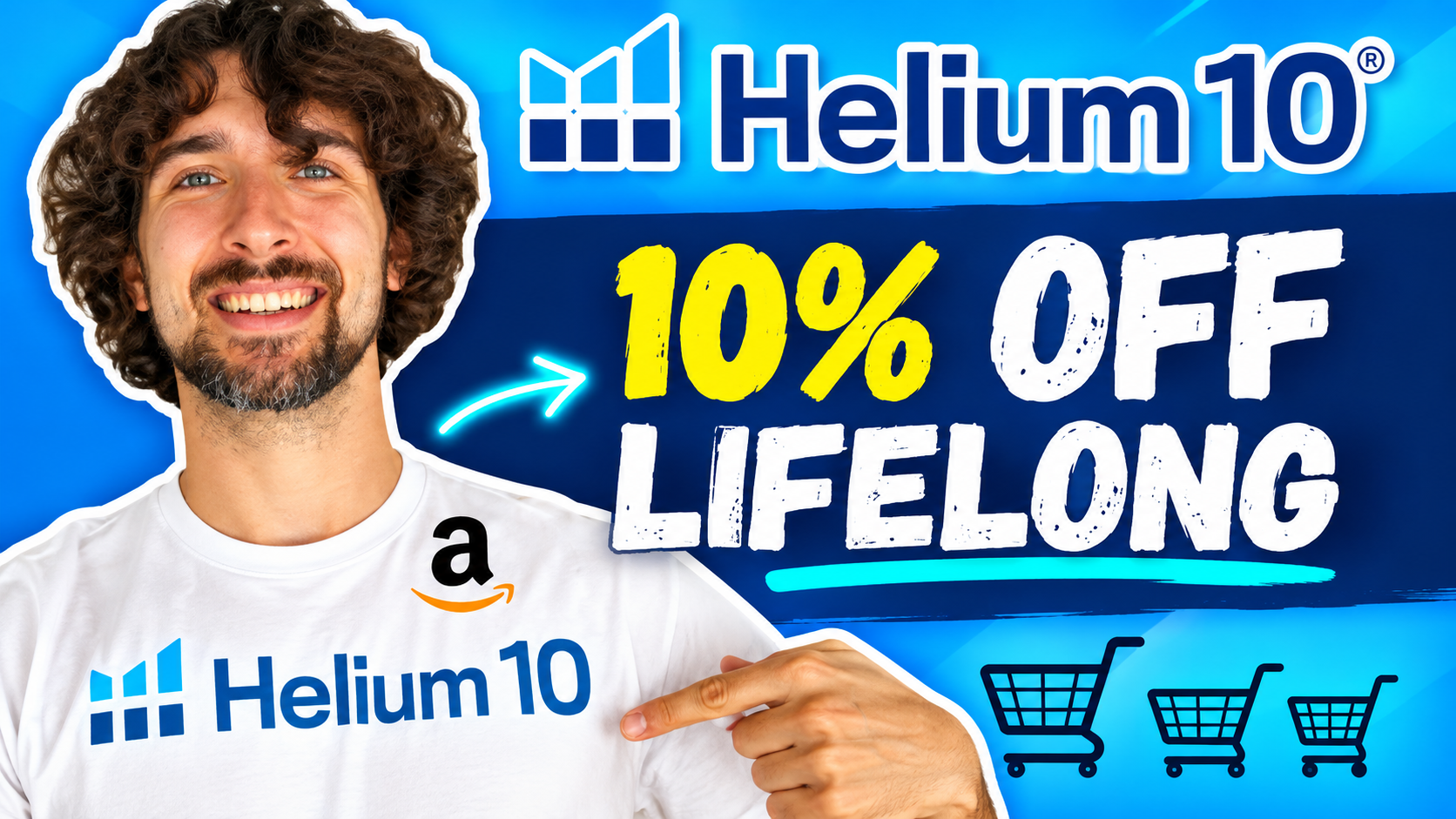
Helium 10 10% Off Coupon Code: Save With VOVA10

In this guide
The quick answer
What is the Helium 10 10% off discount code?
The Helium 10 coupon code is VOVA10, advertised as 10% off forever on eligible subscriptions. For a larger introductory discount, VOVA6M20 offers 20% off your first six months. Apply your preferred code before paying, then confirm the discount, billing cycle, and renewal terms shown for your account.
If you searched for “Helium 10 10 off,” this is the recurring discount I explain in the short video below. Whether you call it a coupon, voucher, or promo code, the code to enter is VOVA10.
I like to compare software offers over the period I actually expect to use the tools. A bigger percentage today can be useful, while a smaller ongoing discount can work better over time. Let’s look at both options, how to apply them, and what to check before subscribing.
Affiliate disclosure: Some links in this article are affiliate links. If you purchase through them, I may earn a commission at no extra cost to you. Read the full disclosure.
Your Helium 10 coupon options
VOVA10
10% off ongoing
For eligible subscriptions under the recurring offer.
VOVA6M20
20% off for six months
For greater savings during the introductory period.
Choose one offer and verify its terms at checkout.
Get Helium 10 access and discountsWhat does “10% off forever” mean?
VOVA10 is presented as a recurring percentage discount. The important distinction is the duration: the offer is intended to continue beyond an introductory month or six-month period, subject to the terms accepted for your subscription.
A percentage discount does not mean your subscription price is frozen forever. For example, if an eligible charge were $100, a 10% reduction would make it $90. If the eligible base price later changed, the amount saved would depend on that new price and the offer’s continuing applicability.
It also does not mean lifetime access for a single payment. You are still purchasing a subscription. Before changing plans, cancelling, or returning after a break, check whether the same promotion will remain available.
How to apply the Helium 10 VOVA10 coupon
Helium 10’s official coupon instructions explain how new and existing customers can apply an eligible code.
- Open the offer link and review the available subscription options.
- On the pricing screen, find the promo-code field, enter VOVA10, and select Apply before choosing Buy Now.
- Select your plan and monthly or annual billing. Confirm that the discount appears for that combination.
- Review the payment summary, including the amount due and future billing terms, before completing your purchase.
Already have an account? Sign in and open Plans & Billing, or use the upgrade option for an eligible free account. If the coupon field is missing, ask support about your account’s eligibility.
I would also check that the selected plan includes the tools needed for the next project. A correctly applied coupon is only part of a good purchase decision.
VOVA10 vs VOVA6M20: which saves more?
VOVA6M20 provides a larger discount during the first six months. VOVA10 provides the smaller recurring reduction. To compare them fairly, calculate the total over the same period using the same plan and billing cycle.
This is an illustrative example, not current Helium 10 pricing: assume a $100 monthly subscription, no taxes or extra charges, an unchanged base price, and uninterrupted eligibility. VOVA10 makes each month $90. VOVA6M20 makes the first six months $80 each, followed by $100 monthly.
| Time subscribed | Total with VOVA10 | Total with VOVA6M20 |
|---|---|---|
| 6 months | $540 | $480 |
| 12 months | $1,080 | $1,080 |
| 18 months | $1,620 | $1,680 |
| 24 months | $2,160 | $2,280 |
Under those assumptions, the offers tie at twelve months. Before that point, the introductory offer costs less overall. After twelve months, the recurring offer becomes cheaper. That conclusion comes from the calculation above; it is not a guarantee about future subscription pricing.
For a defined research project lasting a few months, I would look closely at VOVA6M20. For an established workflow that needs the software well beyond a year, I would compare VOVA10 against the available annual checkout total.
Do not build your budget around switching automatically from one promotion to another. Treat each offer as a separate choice unless Helium 10 confirms otherwise for your account.
Calculate the discount using your own price
For a 10% reduction, multiply the eligible subscription price by 0.90. For a 20% reduction, multiply it by 0.80 during the promotional period. Keep the base price identical when comparing the two calculations.
For example, a hypothetical $150 eligible monthly charge becomes $135 with 10% off or $120 with 20% off. The difference is $15 per month during the first six months. After the introductory offer ends, compare $135 with the assumed regular $150 charge. This explains why the duration matters as much as the percentage.
Does VOVA10 work with monthly and yearly plans?
In the video, I describe the discount for monthly and yearly subscriptions and mention Platinum, Diamond, and a la carte plans. Those are the video’s plan references. For a purchase today, use the current plan selector and the offer shown after applying your code.
The official Helium 10 pricing page currently presents Platinum, Diamond, and Enterprise. The older a la carte reference should not be treated as confirmation that every standalone tool or add-on qualifies.
For yearly billing, compare the actual annual charge. A price expressed “per month, billed yearly” is a monthly equivalent, so check the upfront total. Do not subtract another 10% from an advertised annual price unless checkout shows that reduction.
My Helium 10 pricing guide can help you compare the plans. I suggest making a short list of required features first, then checking the discount on the plan that fits.
I would separate two questions here: which option has the lowest total cost, and which payment schedule suits the business? An annual purchase may look attractive when you already have a consistent workload. A monthly subscription may suit a shorter project or a period when you are still deciding how frequently you will use the tools.
Write the annual checkout amount beside the total for your expected number of monthly payments. Compare the same features and include any charges displayed. This makes the decision much clearer than comparing a discounted monthly figure with an annual monthly equivalent.
Why might a Helium 10 discount code not work?
Start by checking the spelling and removing any spaces around the code. Next, confirm the selected plan and billing cycle. A promotion that works for one subscription setup may not apply to another.
Helium 10’s discount eligibility guidance lists account targeting, billing-cycle restrictions, inactive codes, and previous promotions as possible reasons. Add-ons generally do not qualify.
The guidance also describes a waiting period after certain previous offers. For example, after a six-month 20% promotion, another similar discount may be unavailable for six months after it ends. Ask support how the rule applies to your specific account.
If the amount still looks wrong, send support the code, plan name, billing cycle, and the message displayed. That is more useful than repeatedly trying checkout. Avoid including payment-card details in your message.
Choose your plan around the work you need to do
Before choosing a coupon, write down what you want to accomplish during the next month. You might be comparing product ideas, collecting relevant keywords, or reviewing an existing listing. Turn that into a short task list you can complete and evaluate.
For example, imagine you have one product idea and three competing listings to investigate. Your first task could be to compare demand signals, identify relevant search terms, and record the questions that still need research. Decide what a useful finished result looks like before opening the software. Then check the available access against those tasks. You will have a clearer reason to subscribe, and a clearer way to judge whether the subscription helped. Keep the findings in a simple document so the work remains useful when you revisit the idea, discuss it with a business partner, or decide whether to investigate a different opportunity next.
Then check whether the chosen plan provides enough access for that workload. A lower subscription bill is helpful, but a plan that prevents you from completing the project can still be the wrong choice. Equally, unused capacity does not become valuable simply because it is discounted.
If you are still exploring, start with the available free account options. Helium 10 lists limited Chrome Extension access for its Free plan. Free access and a paid subscription have different limits, so use the account to understand the workflow before deciding what to buy.
You can also read my free account and trial guide. Check the current signup offer for any trial duration or feature restrictions.
After the first month, review what you actually used. Did you finish the research, improve the listing, or establish a repeatable process? That review helps you decide whether continued access makes sense for your business.
Match the offer to your next project
Compare VOVA10 for ongoing savings with VOVA6M20 for the introductory period. Start with the account options, then review the paid plan only when you know what access you need.
Explore account and coupon optionsA quick review before completing payment
Before subscribing, I would pause on the final summary and check a few details together. The offer should make sense both for the first payment and for the period after any introductory savings end.
- Plan: Does the selected subscription match the feature list you reviewed? Make sure you have not compared the price of one tier with the access offered by another.
- Billing period: Are you paying for one month or committing to an annual purchase? Read the amount due today rather than relying only on a monthly equivalent.
- Promotion: Does the summary show the code you intended to use and the correct duration? Keep the confirmation with your subscription records.
- Next payment: What will you pay when the next billing period starts? For an introductory offer, also note when the promotional period ends.
If you manage subscriptions for a team, record who owns the account and who reviews renewals. A small note beside the receipt can prevent confusion later, especially when several people research tools but only one person handles the payments.
Helium 10 10% off: frequently asked questions
Is the coupon “10OFF” or “VOVA10”?
The code shared here is VOVA10. “Helium 10 10 off” describes the offer people search for; it is not the code I provide in this guide.
Can I combine VOVA10 and VOVA6M20?
No. Helium 10 states that coupons cannot be combined with other promotional offers or existing discounts. Compare the two codes separately and choose an eligible offer.
Does an existing customer automatically qualify?
No. Check the options in your account and contact support if eligibility is unclear. Previous discounts and the subscription you select can affect whether an offer applies.
Will my subscription renew automatically?
Helium 10 says subscriptions renew automatically. Review your renewal date and manage cancellation through your account before the next billing period if you no longer need access.
Is VOVA10 always the cheapest option?
No. The result depends on your plan, subscription length, and available promotions. Compare final totals for the same access and period before deciding which offer gives you better value.
Ready to compare your Helium 10 offers?
Use VOVA10 for the advertised 10% recurring discount, or VOVA6M20 for 20% off your first six months. Check the offer attached to your chosen plan before completing payment.
View Helium 10 access and offersChoose the tools you need, compare the full cost, and give yourself a clear project to work on. I hope this helps you save money and make a confident choice. Have an awesome day!
Vova :)