Jungle Scout Mexico: Supported Tools & Discounts

In this guide
The quick answer
Does Jungle Scout work in Mexico?
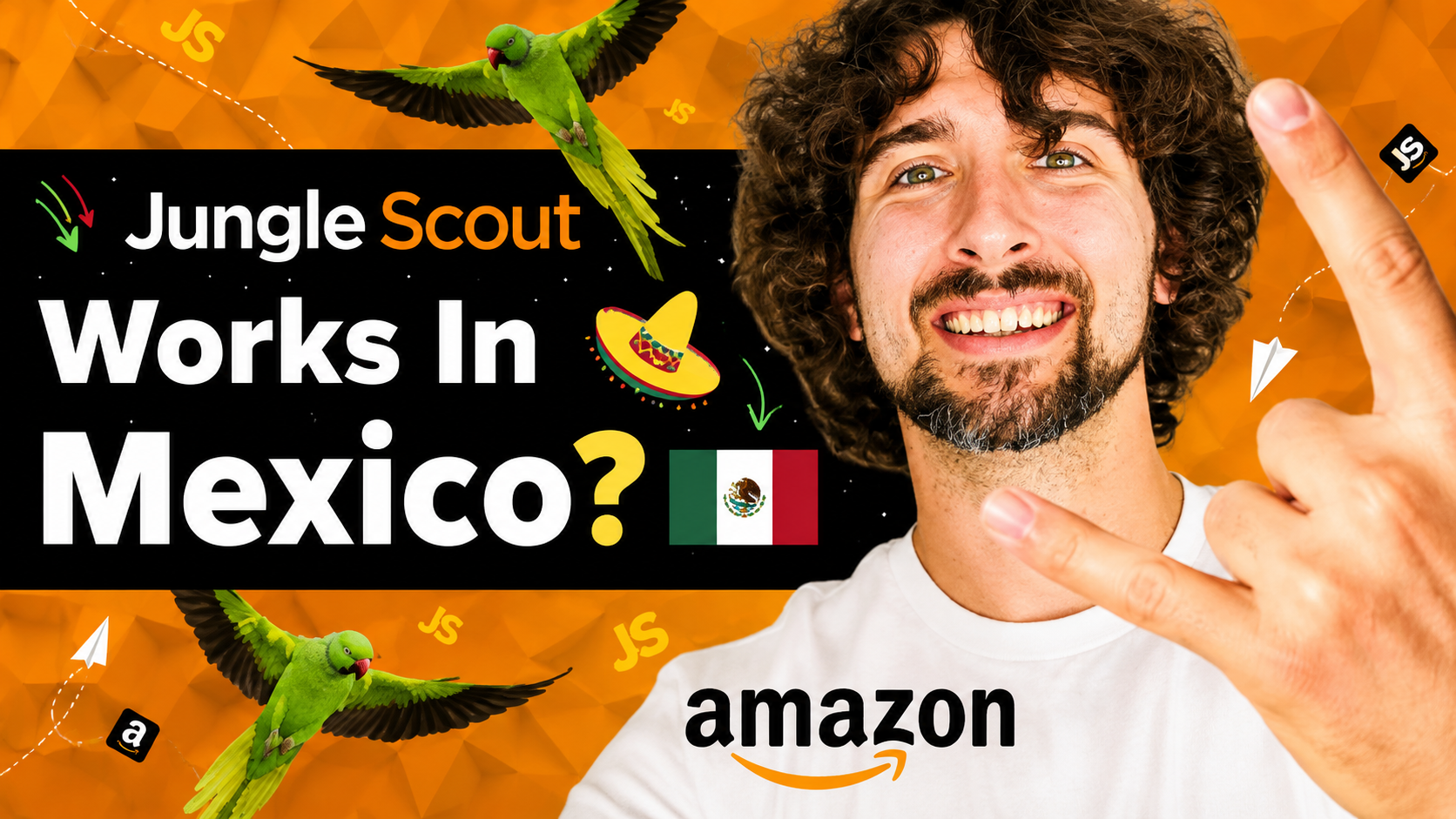
Yes. Jungle Scout supports Amazon Mexico, including product research, keyword tools, seller analytics, and its browser extension on Amazon.com.mx. There are exceptions: Category Trends is US-only, Opportunity Finder lacks its Mexico seasonality graph, and Supplier Database uses US import records. Your subscription also determines feature access and usage limits.
If you are researching products for Amazon Mexico, the useful question is which tools fit your next task. Finding an idea, writing a Spanish listing, and managing an existing store require different parts of the software.
I have been selling on Amazon since 2016 and use Jungle Scout. In the video below, I walk through Mexico’s supported features. This guide follows that walkthrough, adds practical examples, and clarifies the limitations in Jungle Scout’s official documentation.
Support checked November 5, 2026. This guide covers the seller tools now offered through Jungle Scout Catalyst. The video and marketplace chart use some older names; available features also depend on your plan and account connections.
Affiliate disclosure
Some links are affiliate links. If you purchase through them, I may earn a commission at no extra cost to you. Thank you for supporting my free tutorials. Read the full disclosure.
Check my Jungle Scout discount offers
Use my offer link to see the available deals. Compare the included tools, billing period, and renewal terms before choosing your plan.
See Jungle Scout deals ↗Which Jungle Scout tools work on Amazon Mexico?
Mexico has broad coverage across the tools discussed in my video. The table summarizes marketplace compatibility; it does not mean every subscription includes every feature. Check the MX column and footnotes in the official supported-marketplaces guide.
| Tool or feature | Mexico support | Main use or limitation |
|---|---|---|
| Home Dashboard | Yes | Overview; widgets vary with account data. |
| Sales Estimator and Listing Grader | Yes | Estimate demand and assess listing quality. |
| Product Database and Product Tracker | Yes | Find candidates and follow their performance. |
| Opportunity Finder | With an exception | Mexico seasonality graph unavailable. |
| Category Trends | No | US marketplace only. |
| Supplier Tracker / Supplier Database | Tracker: yes; database: US records | US import data can inform sourcing for Mexico. |
| Keyword Scout, Keyword Lists, Listing Builder, Rank Tracker | Yes | Research, organize, write, and monitor. |
| Review Automation | Yes | Requires an eligible plan and account setup. |
| Profit Overview, P&L, Other Transactions | Yes | Review results with complete cost inputs. |
| Advertising Analytics | Yes | Analyze connected Amazon advertising data. |
| Inventory Manager, Product Settings & Costs | Yes | Maintain costs and plan replenishment. |
| Browser extension | Yes | Research directly on Amazon.com.mx. |
I would check compatibility first, then subscription limits. A supported marketplace answers “Can this feature work here?” Your plan answers “How much access do I get?” Those are separate buying decisions.
Research products using Mexico’s marketplace data
Product Database helps you find candidates, Product Tracker helps you follow them, and Opportunity Finder helps you explore niches. I would use them together: discover an idea, inspect competing listings, then track the shortlist before ordering stock.
Sales Estimator provides a starting estimate of monthly sales. Listing Grader highlights aspects of listing quality, such as the title and supporting content. Neither tells you, by itself, whether your own product will sell profitably.
For example, a promising sales estimate might sit beside strong established brands or a price you cannot match after costs. Read customer feedback, compare product specifications, and ask what your offer would improve. Keep estimated competitor sales separate from your own confirmed sales.
Two research gaps to remember: Opportunity Finder’s seasonality graph is unavailable for Mexico. Category Trends is US-only. Browsing Amazon Mexico’s Best Sellers can provide ideas, but a bestseller snapshot does not replace historical demand research.
My Sales Estimator guide explains the tool in more detail. Start with the correct marketplace and category so your initial comparison is relevant.
Use Keyword Scout to build a relevant Spanish listing
Keyword Scout, Keyword Lists, Listing Builder, and Rank Tracker work together for Mexico. Jungle Scout’s Keyword Scout documentation confirms Mexico support and explains keyword and ASIN searches.
Choose Mexico when researching. I would validate the Spanish phrases shoppers use locally instead of assuming a translated US keyword has the same demand. Compare relevance as well as search volume: a popular phrase is unhelpful if it describes a different product.
Research and organize
Use Keyword Scout to investigate a phrase or competing ASIN. Save relevant terms in Keyword Lists, grouped by product and shopper intent.
Write and monitor
Use Listing Builder to organize your copy, then Rank Tracker to follow keyword positions. Keep the listing clear, accurate, and natural to read.
In the video, I use a hat listing moving from position 83 to 17 as an illustration. That is not a promised result. If rankings change after a PPC campaign, investigate the wider context; an advertising change alone does not prove what caused the movement.
Choose the tools you will actually use
Compare my Jungle Scout offers against your research and store-management needs. The lowest subscription price only helps if it includes the access you need.
Compare available offers ↗Supplier Tracker works in Mexico; Supplier Database needs context
Supplier Tracker helps organize supplier information, quotes, and orders. It is useful when several conversations are happening at once and you need to compare terms without losing details.
There is a clarification to my original walkthrough: Supplier Database contains US import records, but sellers sourcing for Mexico can still use those records to identify potential suppliers. It is not a database of imports into Mexico. Jungle Scout explains this distinction in its supplier coverage guide.
Treat a supplier match as a lead to investigate. Ask about samples, minimum quantities, production time, and delivery to your destination. A shipment record does not confirm product quality or guarantee that the supplier can meet your requirements.
Manage reviews, profit, advertising, and inventory
Once you are selling, the connected seller tools become more useful. Research estimates help evaluate other listings; your own store reports depend on connected account data and the costs you maintain.
Review Automation: Jungle Scout can send review requests for eligible orders. Its setup guide says to connect your Amazon account and enable the feature for each relevant marketplace. Access depends on your plan. This automates requests; it does not guarantee reviews or positive ratings.
Sales Analytics: Profit Overview, the profit-and-loss statement, and other transaction reporting help you understand what remains after recorded costs. Enter product costs carefully and check the reporting period. Missing expenses can make an otherwise useful dashboard misleading.
Advertising Analytics: Review PPC performance alongside your product economics. More attributed sales can still leave little profit if advertising and other costs are too high. Compare consistent date ranges and investigate changes before adjusting your budget.
Inventory Manager: Use inventory levels, sales pace, and lead times to plan replenishment. Jungle Scout’s Inventory Manager guide explains the Seller Central connection and reorder forecasts.
My inventory example: Thirty days of production plus thirty days of shipping gives you sixty days before allowing for other delays. At five units sold daily, that is 300 units of demand during the basic lead time. This is an illustration, not a reorder recommendation; account for existing stock, inbound units, demand changes, and a suitable buffer.
I would review these tools together. A product may need replenishment, yet its profit report may show that the next order requires a better supplier price or a revised advertising approach.
Does the Jungle Scout extension work on Amazon.com.mx?
Yes. The browser extension supports Amazon Mexico. You use the same extension across supported stores; a separate Mexico version is unnecessary. Open Amazon.com.mx, visit a search-results or product page, and run the extension there.
I would begin with one tightly defined product type. Check whether the listings genuinely compete with each other before comparing their prices, reviews, and estimated sales. Mixing unrelated products or very different pack sizes can make an attractive average less useful.
The extension helps you investigate a market while browsing it. Follow promising products over time and calculate your own costs before deciding to launch. My complete extension tutorial takes you through the interface and research workflow.
A practical starting workflow for Amazon Mexico
You do not need to learn every feature on day one. I would work through one product idea from research to a written decision:
- Select Mexico. Keep your product and keyword research tied to Amazon.com.mx.
- Build a shortlist. Compare relevant competing listings and track the candidates that deserve more investigation.
- Check shopper language. Research Spanish keywords and read the listings and reviews for context.
- Work through costs. Compare supplier quotes, delivery assumptions, selling costs, and a realistic advertising allowance.
- Record your decision. Write what supports the idea, what remains uncertain, and what evidence you need next.
If you already sell in Mexico, connect the appropriate store and focus first on accurate costs, review-request settings, and stock planning. That gives the tools a concrete job from the start.
Learn with my Jungle Scout tutorials
The playlist mentioned in my Mexico video contains over 100 tutorials. Pick a lesson for the task you are doing and practice alongside it.
Open the tutorial playlist ↗Jungle Scout Mexico: frequently asked questions
Does Mexico support include every feature on every plan?
No. Marketplace compatibility and subscription access are different. Check the features and usage limits of your chosen plan, including any seller-account connection requirements.
Can I use US keyword data for my Mexican listing?
Use Mexico’s keyword data for Mexico-focused decisions. US research can suggest ideas to investigate, but translating a phrase does not establish local demand or relevance.
Can Supplier Database help me source for Mexico?
Yes, as a research starting point. Its records concern imports into the US. Contact potential suppliers to confirm whether they can supply your product and destination.
Is there a fixed Jungle Scout Mexico discount code?
The offer shared here uses my affiliate link. Check the landing page for available savings and eligibility; I am not promising a fixed percentage or a Mexico-exclusive coupon.
Ready to research your next Mexico product?
Choose the plan that supports your next steps, then compare the available offer. Confirm the total due today and the renewal terms at checkout.
View Jungle Scout discounts ↗My advice is to start with one useful question about one product. Use Mexico-specific research, investigate the limitations, and make the next decision from evidence you understand.
Vova :)