Does Helium 10 Work in Japan? Tools & Discounts

In this guide
The quick answer
Does Helium 10 work in Japan?
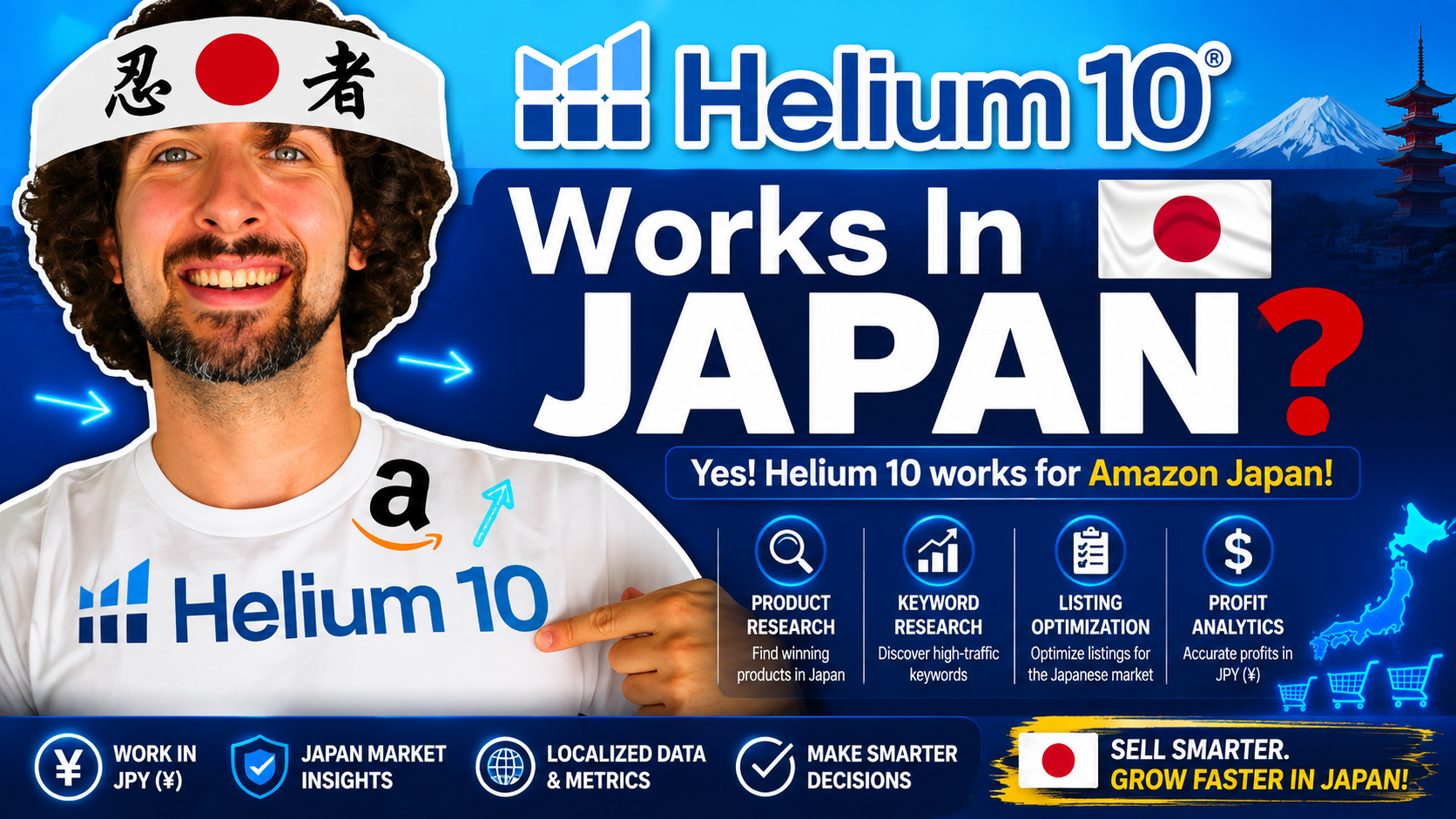
Yes. Helium 10 supports Amazon Japan, including product research, keyword research, advertising, and analytics tools. Availability varies by feature and subscription. Use Japanese marketplace data, check the support list, and confirm your required features before subscribing. Scribbles has partial support, so Japanese listing work needs extra checking.
If you already use Helium 10 elsewhere, expanding to Amazon.co.jp can feel familiar at first. You recognize the tools, the dashboards, and the research process. The important question is whether those tools answer the right questions about Japanese shoppers and your specific products.
I would start with one product idea, a few direct competitors, and a short list of tasks. That makes it easier to test the software properly. A long feature list is useful only when you know what you want to learn from it.
This guide follows the categories in my Japan video and adds current documentation checks, practical examples, and a manageable research workflow. Use it to decide which tools deserve your attention first, whether you are researching a launch or reviewing an existing Japanese listing.
Affiliate disclosure
Some links are affiliate links. If you purchase through them, I may earn a commission at no extra cost to you. This helps support my free content. Read the full disclosure.
Which Helium 10 tools support Amazon Japan?
The table summarizes the Japan entry in Helium 10's official marketplace support list. Marketplace compatibility and paid access are separate checks.
| Category | Listed tools |
|---|---|
| Product research | Black Box, Chrome Extension, My List |
| Keywords | Cerebro and Magnet functionality |
| Listings | Scribbles: partial support; Index Checker |
| Advertising | Helium 10 Ads: Sponsored Products, Brands, Display |
| Operations | Alerts, Managed Refund Service |
| Analytics | Keyword Tracker, Market Tracker, Market Tracker 360, Profits |
Video update: Trendster and Inventory Protector appear in the video chapters but are absent from the current Japan list. Their absence does not prove discontinuation; verify access before relying on them. Also, do not assume Scribbles and Listing Builder have identical marketplace coverage.
Build your shortlist around the work you actually do. Someone choosing a first product needs different information from a seller managing advertising across an established catalog. Start with the smallest useful workflow, then expand when another feature solves a clear problem.
Research products with Black Box and Xray
Black Box helps narrow a large product database using filters. Think of it as a way to generate candidates for further investigation. Finding an item that meets your filters is the beginning of research, rather than evidence that you should order inventory.
Select Japan before searching. Choose criteria that reflect your sourcing budget, preferred product category, and operational limits. If you are considering compact household accessories, for example, exclude products whose size, fragility, or complexity would make them impractical for your first shipment.
Next, inspect the actual Amazon.co.jp results. Xray in the Chrome Extension brings product analysis into the browsing process, including sales, revenue, pricing, and competitive signals. Look across several relevant listings instead of allowing one unusually successful product to define your expectations.
Here is a hypothetical example. You find several kitchen organizers with attractive estimated revenue. Before getting excited, compare their dimensions, pack sizes, materials, review histories, and brand positioning. A premium multipack and a basic single item may appear together while serving different customers.
- Compare products that solve the same customer problem.
- Read negative reviews for repeated, specific complaints.
- Separate estimated sales from the amount you could realistically capture.
- Record what would make your version meaningfully different.
I would save the strongest candidates with a short explanation of why each deserves another look. Include a rejection reason for weaker ideas too. That small habit prevents you from rediscovering the same unsuitable product every time you research.
Build a basic cost worksheet beside your research notes. Include the supplier quote, packaging, transport, expected marketplace charges, and a realistic allowance for advertising and returns. Keep assumptions visibly separate from confirmed quotes. This makes it easier to identify which unknown could change the decision most.
Then test a less favorable scenario. What happens if the selling price is lower than expected, or your landed cost increases? You do not need a complicated forecast to learn something useful. A candidate that only works under your most optimistic assumptions deserves further investigation before you commit to a stock order.
Also separate product demand from your reason to enter the market. Existing sales show that customers buy something in the niche; they do not explain why those customers would choose your version. Write down the improvement you intend to make and the evidence that customers value it.
For a more detailed walkthrough of the browser tools, use my Helium 10 Chrome Extension tutorial. Apply the process to Japanese results and verify the features shown in your account.
Find Japanese keywords with Cerebro and Magnet
The video discusses Cerebro and Magnet separately. Helium 10 has since integrated Magnet into Cerebro. ASIN research and seed keyword discovery remain available within the combined workflow, although older tutorials may show separate navigation.
The two starting points still matter. With competitor research, you begin with relevant ASINs and examine associated keyword data. With seed research, you begin with a product phrase and explore related searches. Use both approaches to build a broader candidate list.
Start with genuinely comparable Japanese listings. A competitor selling a different material, size, or use case can introduce terms that look attractive but would bring the wrong visitors to your product. Relevance should survive every round of filtering.
My practical keyword review
- Collect terms from several direct competitors.
- Expand the strongest product phrases through seed searches.
- Remove irrelevant materials, audiences, brands, and product types.
- Group the remaining terms by meaning and buying intent.
- Have a fluent Japanese reviewer check the important phrases.
Helium 10 also documents a keyword translation feature that includes Japanese. It can help you interpret unfamiliar results. Keep the original terms beside your working translations so you can trace every decision back to the actual search phrase.
Translation and localization serve different purposes. A translated phrase may be understandable without being the wording shoppers naturally use. Check Japanese search results, competing product descriptions, and customer language before treating an English equivalent as a final listing keyword.
Avoid choosing keywords only because their search volume looks large. Ask whether a shopper entering that phrase would reasonably want your exact product. A smaller, specific query can be more useful to investigate than a broad phrase covering several unrelated items.
For each priority phrase, add three notes: what the shopper appears to want, which product detail answers that need, and where you will communicate it. A search about dimensions might call for a clear measurement image. A search about a particular use might require a precise explanation of compatibility.
Keep uncertain phrases in a separate review group instead of deleting them immediately or forcing them into the listing. Ask your language reviewer to explain the ambiguity. That feedback becomes reusable knowledge for future products and helps you distinguish unfamiliar wording from genuinely irrelevant searches.
Build a clear Japanese listing and check indexing
Once you have a useful keyword list, turn it into a product explanation that a person can read comfortably. Start with what the item is, who it helps, its key specifications, and what comes in the package. Let the research improve those explanations.
For Japanese copy, I would keep a separate checklist of the important phrases and ask a fluent reviewer to check meaning, readability, and product accuracy. Test how your available listing tool handles those phrases instead of assuming every language feature behaves identically.
Pay particular attention to measurements, compatibility statements, included accessories, and care instructions. These details answer purchase questions. Adding more keywords will not fix a listing that leaves shoppers unsure whether the product fits their needs.
Review the images and written copy together. If an image shows several accessories but the offer includes only one, explain that clearly. If a dimension determines whether the product fits, make it easy to find. Consistency across the page matters more than making each individual section sound impressive.
Before publishing, ask someone unfamiliar with the item to describe what they think they are buying. Their answer can reveal gaps your team has stopped noticing. Use those questions to improve the explanation, then check that the revised Japanese wording still matches the product accurately.
Index Checker investigates whether Amazon associates a product with particular keywords. You provide an ASIN and relevant terms. Indexing and ranking answer different questions: a keyword association does not mean the product appears near the top of search results.
If an important phrase appears unindexed, first verify the marketplace, ASIN, spelling, and relevance. Check the live listing against your intended copy. Keep a record of edits and retest rather than repeatedly rewriting several fields without knowing what changed.
My free Amazon listing optimization course can help you understand the broader research and writing process. Combine those lessons with Japanese language review and the interface currently available to you.
Review advertising and listing changes
The advertising section of the video uses the Adtomic name; current documentation uses Helium 10 Ads. Before connecting campaigns, check your plan, account eligibility, and the controls available for the advertising work you intend to manage.
Start with a clear question, such as whether a specific group of relevant searches produces orders at an acceptable cost. Define a budget and review period before adjusting campaigns. That gives you a reference point when performance changes.
Imagine a campaign receives more clicks after a bid increase, but orders remain flat. Possible explanations include weak targeting, a confusing product page, an uncompetitive offer, or insufficient data. Increasing bids again does not establish which explanation is correct.
Alerts adds another useful check by monitoring listing changes and potential issues. Decide who will review notifications and what evidence they should collect. An alert is a prompt to investigate; it does not resolve the underlying issue by itself.
Keep a simple record of the affected ASIN, the change observed, the date, and any action taken. This is especially helpful when several people manage the account. It gives everyone the same context before they edit a listing or contact support.
If a tool appears empty or unavailable, work through the basics before changing your setup: the selected marketplace, the signed-in account, the subscription allowance, and any required account connection. Record the exact message and affected feature. A precise support question is easier to resolve than a general report that Japan does not work.
Track rankings, competitors, and profitability
Keyword Tracker helps you follow keyword positions over time. Choose a focused set of relevant terms, then record the dates of listing edits, promotions, or advertising changes. Those notes give the ranking history useful context.
A ranking increase is encouraging, but it does not prove that one specific action caused it. Review several periods and compare visibility with actual business results. You want to understand whether the change helps attract suitable customers and contributes to sustainable sales.
Market Tracker and Market Tracker 360 broaden the view to competitors and market activity. Define the niche carefully. Including loosely related products can make a market look larger while reducing the usefulness of comparisons.
Finally, Profits brings revenue and estimated profit into the review. Keep product costs accurate and understand which expenses the report includes. A strong sales total can hide a weak result when sourcing, fulfillment, advertising, or other costs rise.
Illustrative example
A product generates ¥300,000 in revenue. If all recorded costs total ¥240,000, the remaining amount is ¥60,000, or 20% of revenue. Another ¥30,000 of previously omitted costs would reduce that amount to ¥30,000 and the margin to 10%.
These are hypothetical figures, not a seller case study or a Helium 10 result.
Use a consistent currency and reporting period when making comparisons. For decisions involving stock purchases, review cash requirements separately. An estimated profit figure does not tell you when money is available to pay a supplier.
A useful weekly review can be brief: one ranking observation, one competitor change, and one profitability question. For each, decide whether you have enough evidence to act. Sometimes the right response is to collect another comparable period of data, especially when the apparent change comes from a very small number of orders.
Keep your market definition stable while comparing results. Adding a group of competitors changes the comparison itself, so note when that happens. Otherwise, you might mistake a reporting change for a sudden gain or loss in competitive position.
A practical starting workflow for Amazon Japan
You do not need to learn every feature before making progress. I would work through one product from research to review, saving the questions and assumptions at each stage. This creates a repeatable process you can improve.
- Define the decision. Write down whether you are choosing a product, improving a listing, or investigating performance. Keep the research focused on that question.
- Build a small comparison set. Select similar products in Japan and record the differences that matter to buyers. Avoid comparing unrelated offers.
- Research the language. Gather Japanese keyword evidence, group relevant phrases, and arrange a language review before turning them into customer copy.
- Check the economics. Estimate your costs using supplier information and current marketplace charges. Leave room to examine less favorable assumptions.
- Choose one next action. Record what you will test, why it matters, and when you will review the outcome. Keep the original assumptions for comparison.
For example, your next action might be requesting a better product sample or clarifying a confusing size description. It does not always need to be a launch or a bigger advertising budget. Useful research often tells you what to investigate next.
Give each research session a stopping point. You might finish when you have three comparable products, a reviewed group of relevant phrases, and the unanswered questions needed for a supplier conversation. Without a stopping point, it is easy to keep collecting numbers while postponing the decision those numbers were supposed to support.
When reviewing an existing listing, preserve a copy of the original content before making changes. Write down the problem you are trying to solve and the result you expect to observe. If you change the price, images, wording, and advertising simultaneously, it becomes harder to understand which change helped or whether another factor explains the result.
Finally, keep an uncertainty column in your notes. Label assumptions about demand, costs, language, and competition so they remain visible. Revisit the most consequential unknown first. This makes your next research session more focused and helps a teammate understand your reasoning without repeating the entire investigation from scratch. If someone else reviews the work, ask them which assumption they would test first and what evidence would change their mind about the opportunity.
If you get stuck on an individual tool, my Helium 10 tutorial playlist provides more walkthroughs. Pick the lesson that matches your immediate task, then return to your product research.
Helium 10 free access and discount codes
Use my offer link to explore Helium 10 free access, trial options, and discounts, including the current free Xray Chrome Extension offer. Check the limits shown during signup; a free account does not provide unlimited access to every tool.
VOVA6M20
20% off
For your first six months on eligible subscriptions, subject to the offer terms.
VOVA10
10% off
Recurring discount on eligible subscriptions, subject to the offer terms.
Compare the billing period, included features, and renewal amount before choosing. Confirm which coupon applies at checkout rather than assuming the offers combine. For current plan details, use the official Helium 10 pricing page.
Before upgrading, write down the task your free access prevented you from completing. Estimate how often you will need it and what decision it supports. This keeps the subscription choice tied to actual use, rather than the appeal of a discount or a feature you may rarely open.
Get Helium 10 Free Trial + Best DiscountsMy free account guide explains getting started, while the Helium 10 coupon guide gives more context for the offers.
Helium 10 Japan: frequently asked questions
Can I use the free Xray Chrome Extension for research?
Helium 10 offers limited Chrome Extension access through its free plan. Check the current allowance and available features before planning a large research session. Free installation and unlimited tool usage are separate things.
Why can I no longer find Magnet separately?
Helium 10 integrated Magnet's keyword discovery into Cerebro. Look for the keyword search workflow in the combined tool. The change brings keyword and ASIN research together, so older tutorial menus may differ.
Can I simply translate my English keyword list?
Use translations as starting points, then validate them against Japanese marketplace evidence. Keep the original search phrases and ask a fluent reviewer to check important wording. A readable translation alone does not establish search demand or product relevance.
Does a strong sales estimate mean I should launch?
No. Investigate competition, differentiation, sourcing quality, expected costs, and your ability to serve the customer. Estimates help prioritize research, but they cannot tell you how much demand your own offer will capture.
Which Helium 10 plan should I choose?
List your required tasks, usage volume, and account needs first. Then compare current plans and confirm Japanese marketplace access for the features you need. Choose based on the work the plan enables and the cost you can justify.
Start with one product and a clear question
Choose one Japanese product niche, examine comparable listings, and build a relevant keyword list. Then connect those findings to the product you can actually source and the customer experience you can deliver.
That is where I would put the effort first. Save your assumptions, check them against new evidence, and let each review lead to a specific next action. The tools become much more useful when every report has a purpose.
Vova :)