What Is Jungle Scout Used For? Amazon Seller Tools Explained

In this guide
The quick answer
What is Jungle Scout used for?
Jungle Scout is software for Amazon sellers. It is used for product research, keyword research, listing optimization, supplier discovery, rank tracking, review requests, inventory planning, sales and profit analysis, and advertising analysis. Its browser extension helps validate products while you browse Amazon, while its web platform brings the wider research and seller-management tools together.
If you are new to Jungle Scout, the number of tools can make the platform look more complicated than it really is. I find it easier to think of the software around the decisions an Amazon seller needs to make: what to sell, how shoppers search, how to build the listing, where to source, and how the business performs after launch.
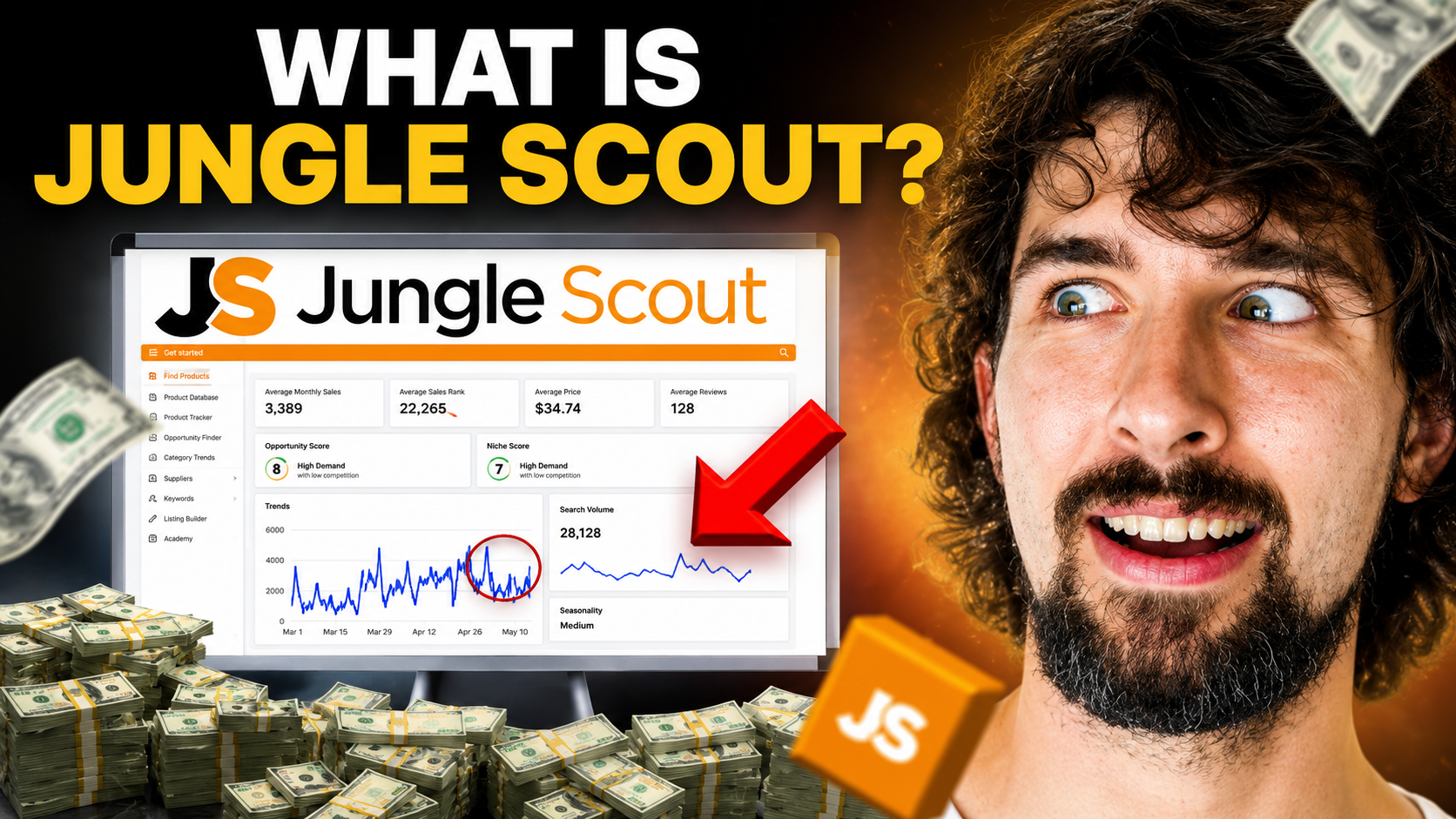
That is also the logic behind the video below. I walk through the main Jungle Scout features, including the Extension, Keyword Scout, Product Tracker, Rank Tracker, Opportunity Finder, Listing Builder, Product Database, Supplier Database, Review Automation, Sales Analytics, Ads Analytics, Inventory Manager, Academy, and Category Trends.
A few names and features have changed since the recording, so this written guide keeps the useful ideas from the video and adds the current 2026 context where needed.
Affiliate disclosure
Some links in this guide are affiliate links. If you purchase through them, I may earn a commission at no extra cost to you. This helps support my free tutorials. Read the full disclosure.
Jungle Scout offer
See the best current Jungle Scout deals
If you want to try Jungle Scout, use my offer page to compare the current discounts and plans before paying. Prices, plan names, and promotions can change, so check the final checkout terms rather than relying on an older video screenshot.
See Jungle Scout deals ↗What can you do with Jungle Scout?
The easiest way to understand Jungle Scout is to match each tool to a seller question. You do not need every feature open at the same time. Start with the question in front of you, then use the tool that helps you investigate it.
| Seller goal | Jungle Scout tool | What it helps you do |
|---|---|---|
| Validate products while browsing Amazon | Browser Extension | Compare estimated demand, competition, pricing, and other market signals on Amazon search results and product pages. |
| Discover product ideas | Product Database and Opportunity Finder | Filter products and niches by demand, price, competition, search behavior, and other criteria. |
| Track an idea before committing | Product Tracker and Category Trends | Watch products over time and investigate whether demand looks stable, seasonal, or unusually volatile. |
| Find Amazon search terms | Keyword Scout | Research relevant keywords, search volume, competitor ranking terms, and keyword opportunities. |
| Monitor keyword visibility | Keyword Rank Tracker | Track how your product or a competitor ranks for selected keywords over time. |
| Create and improve listings | Listing Builder and Listing Analyzer | Turn keyword research into listing copy and review how a listing compares with competing products. |
| Research suppliers | Supplier Database and Supplier Tracker | Investigate supplier records, save supplier information, compare quotes, and organize sourcing details. |
| Request reviews efficiently | Review Automation | Automatically send Amazon review requests for eligible orders instead of handling them one by one. |
| Understand sales and profit | Analytics & Performance | Review revenue, costs, profit, units sold, and product-level performance after connecting Seller Central. |
| Plan stock | Inventory Manager | Estimate reorder timing and quantity so you can reduce the risk of stockouts or excessive inventory. |
| Review advertising performance | Ads Analytics | Analyze PPC spend, sales, ACoS, ROAS, keywords, search terms, and campaign performance. |
Jungle Scout Academy is the educational layer around these tools. If you are learning Amazon selling at the same time as the software, Academy can help you understand the business concepts behind product research, sourcing, listing creation, and launch. I would use the training when you need context, then open the relevant tool and practice with one real example.
It also helps to separate market research data from your own seller data. The Extension, Product Database, Opportunity Finder, and Keyword Scout help you investigate the market and competitors. Once you connect Seller Central, tools such as Analytics & Performance, Inventory Manager, Review Automation, and Ads Analytics can work with information from your own Amazon business. Those two categories answer different questions, and mixing them can lead to bad conclusions.
How the main Jungle Scout tools fit together
The tools become more useful when you connect them into a workflow instead of treating them as separate dashboards. For product research, you might begin in Product Database or Opportunity Finder, move the strongest candidates into Product Tracker, and then open Amazon with the Extension to inspect the live competitive landscape.
Once an idea survives that first round, Keyword Scout helps you understand how shoppers search for the product. That keyword research can feed into Listing Builder, while Rank Tracker gives you a way to monitor selected terms after launch. The point is not to collect the most data; it is to move from a broad idea to a smaller set of decisions you can explain.
The sourcing tools sit beside that research. Supplier Database can help you investigate manufacturers and shipment relationships, while Supplier Tracker gives you a place to organize supplier details, quotes, samples, and notes. I would still verify suppliers independently, request samples, understand your landed costs, and confirm compliance requirements before ordering inventory.
One more point matters during product research: most competitor figures are estimates, not your future results. A niche showing healthy estimated sales can still be a poor fit if the dominant listings have strong brands, expensive patents, difficult logistics, fragile products, or customer expectations you cannot meet. I would use Jungle Scout to narrow the field, then step outside the dashboard and inspect the actual listings, reviews, product specifications, and economics.
For example, imagine two kitchen-scissor ideas with similar estimated demand. One has a clear pattern of complaints about rust and uncomfortable handles; the other is dominated by established brands with thousands of reviews and little visible differentiation. The first may give you a product-development question to investigate. The second may tell you to keep looking. The software helps surface the evidence, but your interpretation is what turns that evidence into a decision.
Before launch
Research products, investigate keywords, compare suppliers, estimate costs, and build the listing.
After launch
Track keyword visibility, request reviews, monitor stock, study profitability, and review advertising performance.
Want the complete step-by-step walkthrough?
My detailed Jungle Scout tutorial goes deeper into the individual tools and the broader seller workflow.
Read the full Jungle Scout tutorialWhat has changed since the video?
The core idea of the video still holds: Jungle Scout is a multi-tool platform for Amazon research and seller management. But several names and features have changed, so these updates matter if you are following the recording today.
The seller platform is now called Catalyst
The video refers to Basic, Suite, and Professional. Jungle Scout's current seller platform is Catalyst, with plans including Starter, Growth Accelerator, and Brand Owner. Larger companies can also evaluate Cobalt. Check the current pricing page before choosing access.
Promotions is no longer an active Jungle Scout feature
The Promotions or Jump Send feature discussed in older content was sunset. Jungle Scout says the decision was related to challenges, limitations, and alignment with Amazon's terms. Read the official Promotions update.
Alerts was also sunset
The listing-change Alerts feature from the video is no longer available according to Jungle Scout's Help Center. See the official Alerts update.
Ads Analytics is best understood as an analysis tool
The video describes it as helping automate PPC in a broad sense. The current documentation focuses on campaign measurement: spend, sales, ACoS, ROAS, clicks, conversion, keywords, and search terms. I would use it to understand and improve advertising decisions rather than assume it runs campaigns for you automatically.
Best deals inside
Compare Jungle Scout plans before you subscribe
The right plan depends on whether you are mainly researching products or also connecting Seller Central for reviews, profitability, inventory, and advertising data. Use the offer page to see the current plan options and discounts available to you.
Check current Jungle Scout offers ↗Who is Jungle Scout most useful for?
For beginners, Jungle Scout is most useful when you are turning a vague idea into a research process. Product Database, Opportunity Finder, the Extension, Keyword Scout, Supplier Database, and Academy can help you learn what to check before you spend money on inventory.
For existing sellers, the value shifts. You may care less about finding a first niche and more about improving a listing, tracking rankings, requesting reviews, avoiding stockouts, understanding profit, or analyzing advertising. That is where the connected Seller Central features become more important.
For larger brands, Jungle Scout also offers deeper competitive and market intelligence through higher-level products. The important distinction is that you do not need the biggest package simply because it has more features. Buy around the work you actually plan to do.
If you only need occasional product research, the browser-based research features may matter more than the connected seller tools. If you manage an active catalog every week, the value can come from combining research with ongoing tasks such as stock planning, profitability checks, ranking monitoring, review requests, and advertising analysis. That difference is why I would choose a plan by workflow rather than by the number of features printed on the comparison page.
A useful rule: choose one business question before opening Jungle Scout. “Which products deserve deeper research?” or “Which keywords are bringing my competitor visibility?” will lead to better work than simply browsing every tool.
How I would start using Jungle Scout
- Pick one marketplace. Research the Amazon store where you actually plan to sell instead of mixing numbers from different countries.
- Choose one product question. Start with demand, competition, seasonality, or keyword relevance rather than trying to solve everything at once.
- Use more than one signal. Estimated sales can help screen an idea, but also inspect reviews, listing quality, price history, supplier costs, and the live Amazon results.
- Connect Seller Central when you need seller data. Review Automation, Inventory Manager, Analytics & Performance, and Ads Analytics depend on your own account information.
- Record the decision. Write down why an idea moved forward or why you rejected it. Good research should reduce uncertainty, not just create more screenshots.
Jungle Scout can make research faster, but it cannot guarantee that a product will sell, that a keyword will rank, or that a supplier will perform well. Treat the software as decision support. Your costs, product quality, positioning, inventory, advertising, and execution still determine the outcome.
Common questions about what Jungle Scout is used for
Is Jungle Scout only for product research?
No. Product research is one of its best-known uses, but the platform also covers keywords, listings, suppliers, review requests, inventory, profitability, rank tracking, advertising analysis, and seller education.
Do you need an Amazon Seller Central account to use Jungle Scout?
You can use research tools before you have a live seller account, but seller-management features such as Review Automation, Inventory Manager, Analytics & Performance, and Ads Analytics require connected Amazon data.
Can Jungle Scout guarantee a profitable product?
No. Jungle Scout gives you data and estimates to investigate opportunities. You still need to validate costs, competition, customer needs, supplier quality, compliance, and your ability to launch and operate the product.
Which Jungle Scout plan should a beginner choose?
Start by listing the tools you expect to use and how often you need them. The older Basic, Suite, and Professional labels in the video should not be used as a current buying guide. Compare the current Catalyst plans and their limits, then choose the lowest plan that covers your real workflow.
Bottom line
Jungle Scout is used to make Amazon selling decisions with better data. Use it to research opportunities before launch, then to improve visibility, sourcing, reviews, inventory, profitability, and advertising after launch. Start with the problem you need to solve, learn the relevant tool, and use the data as evidence rather than a promise.